Top Plant Care Apps for iPhone and Android: A Diagnostic Evaluation
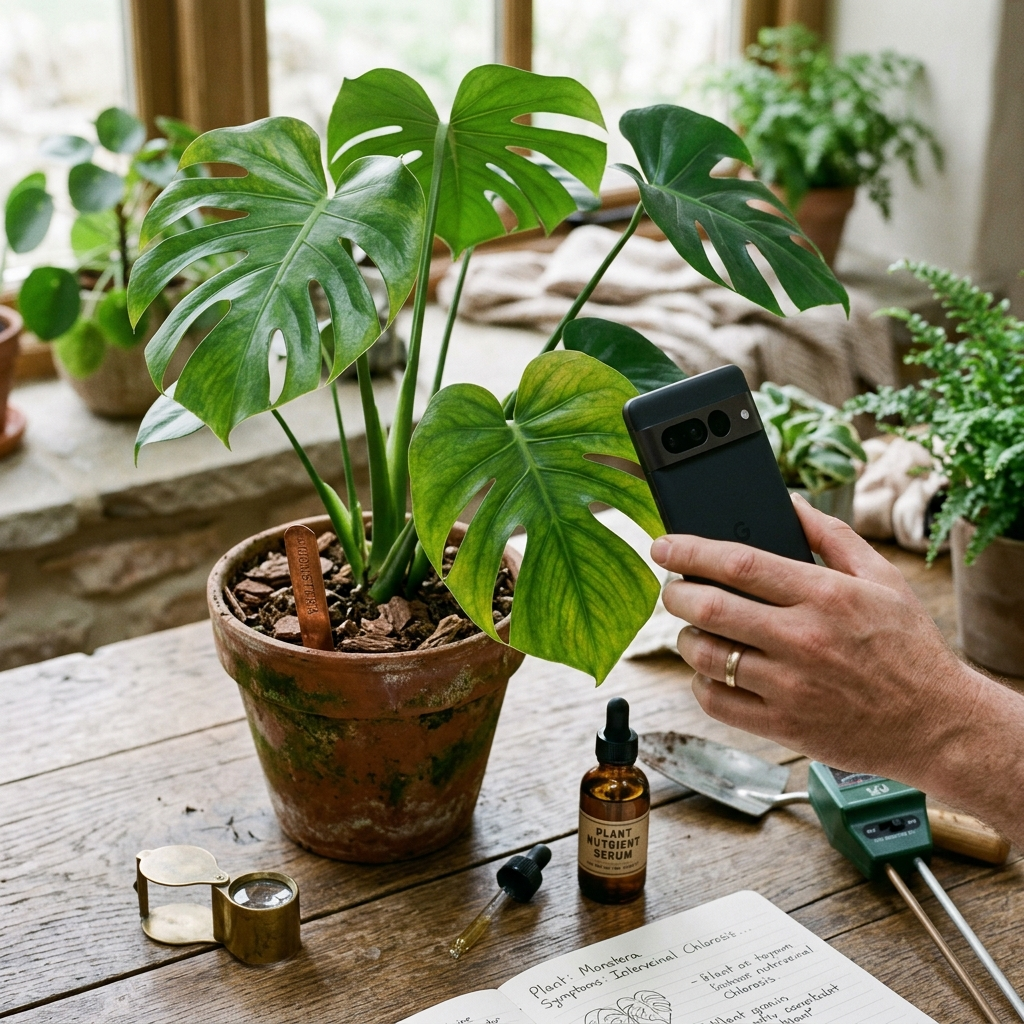
Modern plant care apps for iPhone and Android combine visual recognition with horticultural guidance to help gardeners maintain plant health. While basic cataloging apps track watering intervals, diagnostic tools analyze photos to identify plant species, detect pests or diseases, and provide treatment recommendations. Choosing an app requires balancing diagnostic accuracy, actionable treatment steps, and platform accessibility.
The Core Challenge: Bridging Symptom Recognition and Treatment
Houseplant owners and home gardeners frequently encounter declining plant health without obvious root causes. A yellowing leaf can indicate overwatering, nitrogen deficiency, spider mites, or low humidity. Misinterpreting these symptoms often leads to counterproductive interventions, such as applying fertilizer to roots compromised by fungal rot.
Standard gardening references provide thorough information, but matching physical symptoms to written descriptions takes time. Mobile applications address this issue by using computer vision models to evaluate leaf patterns, discoloration, and structural stress directly from smartphone photographs. The main differentiator among these tools is not simply species identification, but the ability to translate visual findings into practical recovery steps.
Key takeaway: Visual symptoms often overlap across multiple stressors, making structured diagnostic tools useful for avoiding misdiagnosed plant treatments.
Evaluating Diagnostic Quality in Plant Care Applications
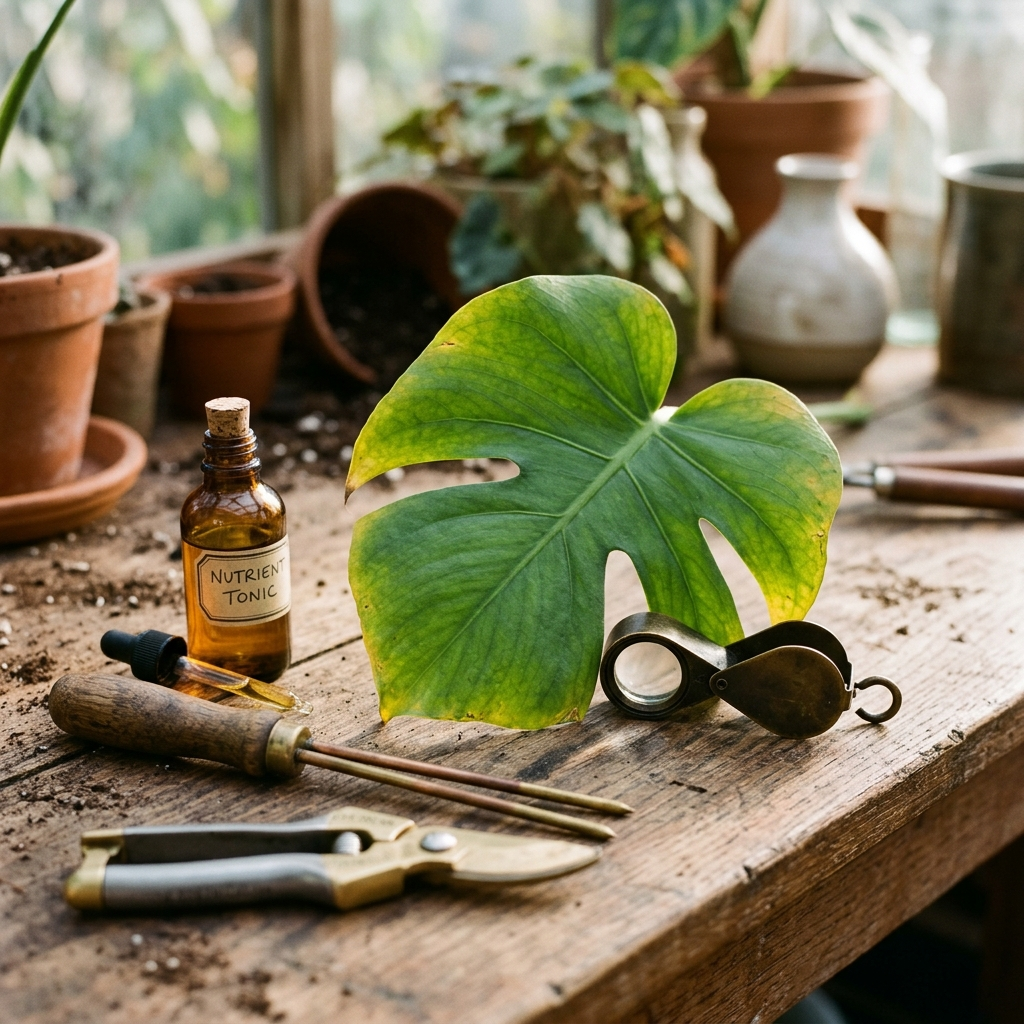
When evaluating a plant care app, image analysis quality is the primary benchmark. Basic applications match a specimen against a reference library, which works reliably for healthy foliage but struggles when damage alters a plant's appearance. Dedicated diagnostic tools examine specific irregularities such as chlorosis patterns, fungal lesions, and pest webbing.
An effective diagnostic tool should address multiple stress vectors:
- Pathological infections: Fungal leaf spots, powdery mildew, and bacterial blights that require targeted isolation and management.
- Pest pressure: Infestations of aphids, thrips, scale insects, or spider mites that damage tissue before becoming noticeable from a distance.
- Nutritional imbalances: Nitrogen, iron, or magnesium deficiencies marked by distinct interveinal or marginal yellowing.
- Environmental stressors: Sun scorch, cold drafts, or root stress from poor soil drainage.
Key takeaway: Prioritize applications that distinguish between biological threats, like insects and fungi, and environmental stress caused by improper watering or light.
Plant Doctor: Dedicated AI Diagnostics for Practical Recovery
Among current mobile options on iPhone and Android, Plant Doctor: Plant Care focuses directly on diagnostic plant assessments. Designed as an AI-powered assistant for home gardeners, the app analyzes user-submitted photos to identify plant varieties while checking for diseases, pests, nutrient deficiencies, or environmental stress.
Once a condition is identified, Plant Doctor provides step-by-step treatment and prevention guidance designed for home settings. This gives users concrete steps for cultural adjustments, mechanical removal, or targeted treatments.
To support regular use, Plant Doctor includes photo tips to help users take clear diagnostic pictures, a daily free diagnosis allowance for routine checks, and an optional PRO upgrade that removes ads and provides unlimited diagnoses. The application is available in 10 languages with full right-to-left (RTL) support across iOS and Android.
Key takeaway: Plant Doctor pairs automated visual health screenings with clear remediation steps suitable for home gardeners.
Best Practices for Capturing Photos for Accurate App Diagnosis
Diagnostic algorithms depend on edge clarity, natural color reproduction, and visible damage margins to distinguish between conditions with similar visual presentations.
- Isolate the symptomatic tissue: Position the camera 6 to 12 inches from the affected area, keeping the boundary between healthy and damaged tissue centered and in focus.
- Use diffused natural light: Harsh direct sunlight creates high contrast and glare, while dim indoor lighting obscures color variations. Photograph plants near a bright window or outdoors under indirect daylight.
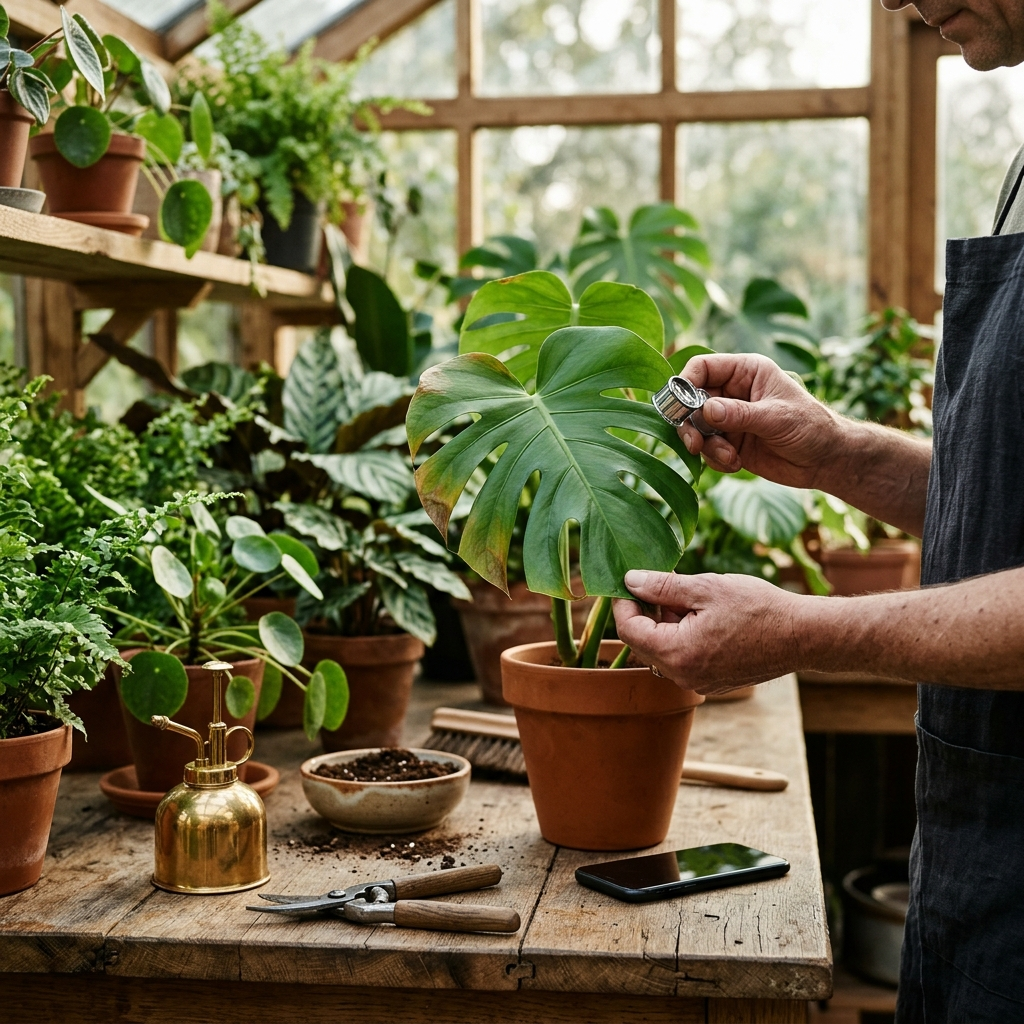
- Check leaf surfaces systematically: Many common pests congregate on the undersides of leaves or along stem junctions. If pests are suspected, take an additional photo of the leaf underside.
- Stabilize the camera: Camera movement creates motion blur that obscures leaf texture. Steady your hands on a firm surface or gently support the leaf from behind against a neutral background.
Key takeaway: Clear, evenly lit close-ups of symptomatic areas significantly improve the accuracy of mobile plant diagnoses.
Comparative Workflow: Cataloging Versus Active Problem-Solving
Gardeners benefit from understanding the distinction between calendar-based care apps and diagnostic tools. Calendar apps rely on static watering timers that assume uniform environmental conditions, which can lead to schedules that fail to account for seasonal dormancy, ambient humidity, or pot drainage rates.
In contrast, an active diagnostic approach uses visual observations to respond to symptoms as they appear. Mobile applications focused on health assessments help gardeners identify early signs of stress before root rot or pest infestations become difficult to manage.
- Calendar tracking tools: Helpful for maintaining general plant inventories, but risk promoting overwatering if environmental conditions change.
- Diagnostic visual tools: Respond to real-time symptoms, helping users time interventions based on visible plant condition.
- Reference guides: Provide baseline care guidelines for specific species to help verify appropriate light, water, and humidity ranges.
Key takeaway: Relying solely on scheduled watering reminders without checking soil moisture and leaf condition can cause avoidable plant stress.
A Methodical Checklist for Managing Plant Health Issues
When an application identifies a plant health problem, addressing it systematically helps prevent further stress:
- Isolate the plant: Separate the affected plant from others nearby to minimize the risk of airborne spores or crawling pests spreading.
- Review the diagnostic assessment: Determine whether the issue involves pathogens, pests, or cultural factors such as low light or poor soil aeration.
- Start with non-invasive measures: Prune severely damaged foliage with clean tools, adjust watering practices, or rinse off visible pests with water before considering chemical treatments.
- Follow treatment directions closely: When using insecticidal soaps, horticultural oils, or fungicides, follow recommended application rates and intervals to prevent foliar damage.
- Monitor recovery: Observe new growth over a two-week period. Damaged foliage rarely returns to its original condition, but new leaves should emerge healthy.
Key takeaway: Use diagnostic app results as the first step in a care plan, followed by isolation, measured treatment, and ongoing observation.
Conclusion
Mobile plant care applications have shifted from passive plant indexes to practical diagnostic tools that assist with everyday growing challenges. Choosing an application that provides targeted visual analysis, practical treatment advice, and accessible daily use—such as Plant Doctor: Plant Care—helps gardeners make timely, informed care decisions. Combining clear diagnostic photos with structured treatment protocols ensures more consistent results across both iPhone and Android devices.