Best Gardening Apps for Beginners in 2026: Practical Tools for Plant Health and Care
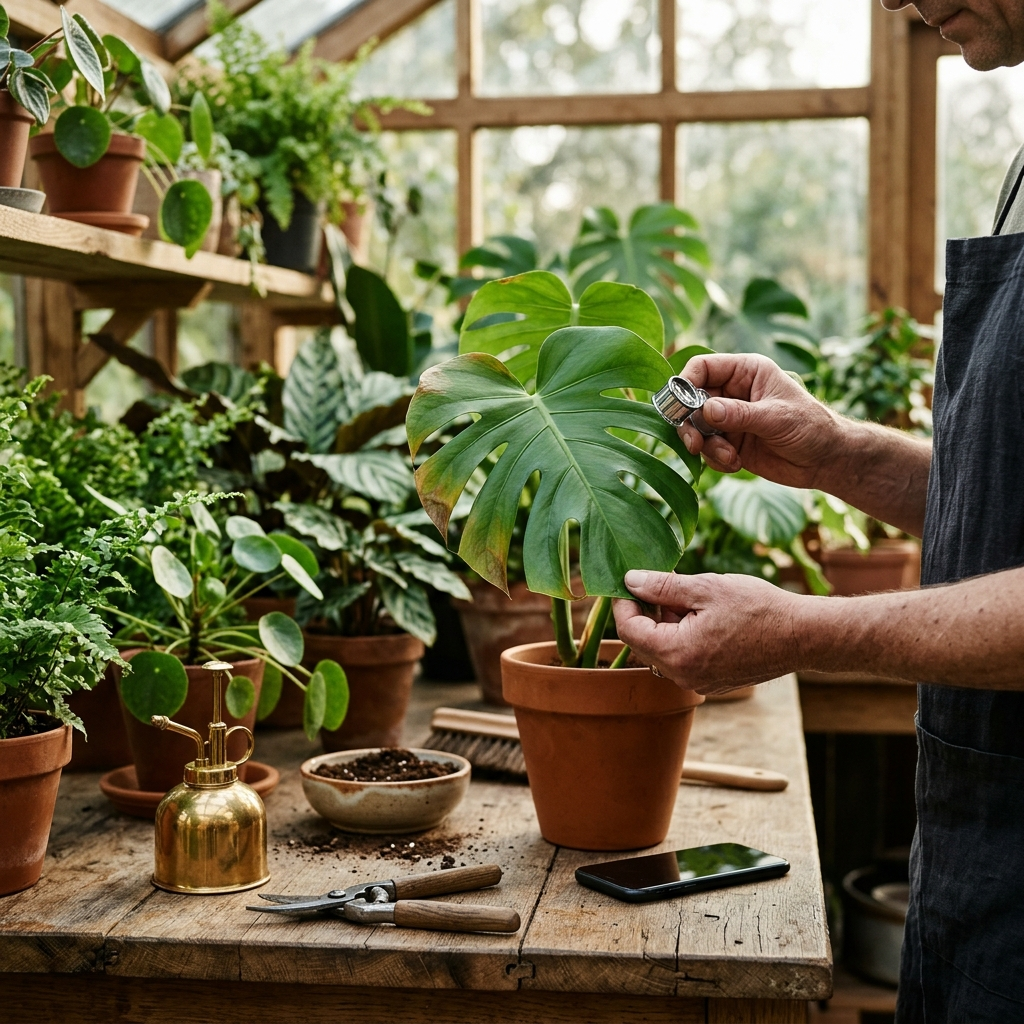
The most effective gardening apps for beginners prioritize precise plant identification, rapid symptom diagnosis, and clear care guidance over social features. For novice growers dealing with pests, yellowing foliage, or inconsistent watering routines, a practical mobile companion turns visual symptoms into direct recovery steps.
The Core Challenges Facing Novice Gardeners
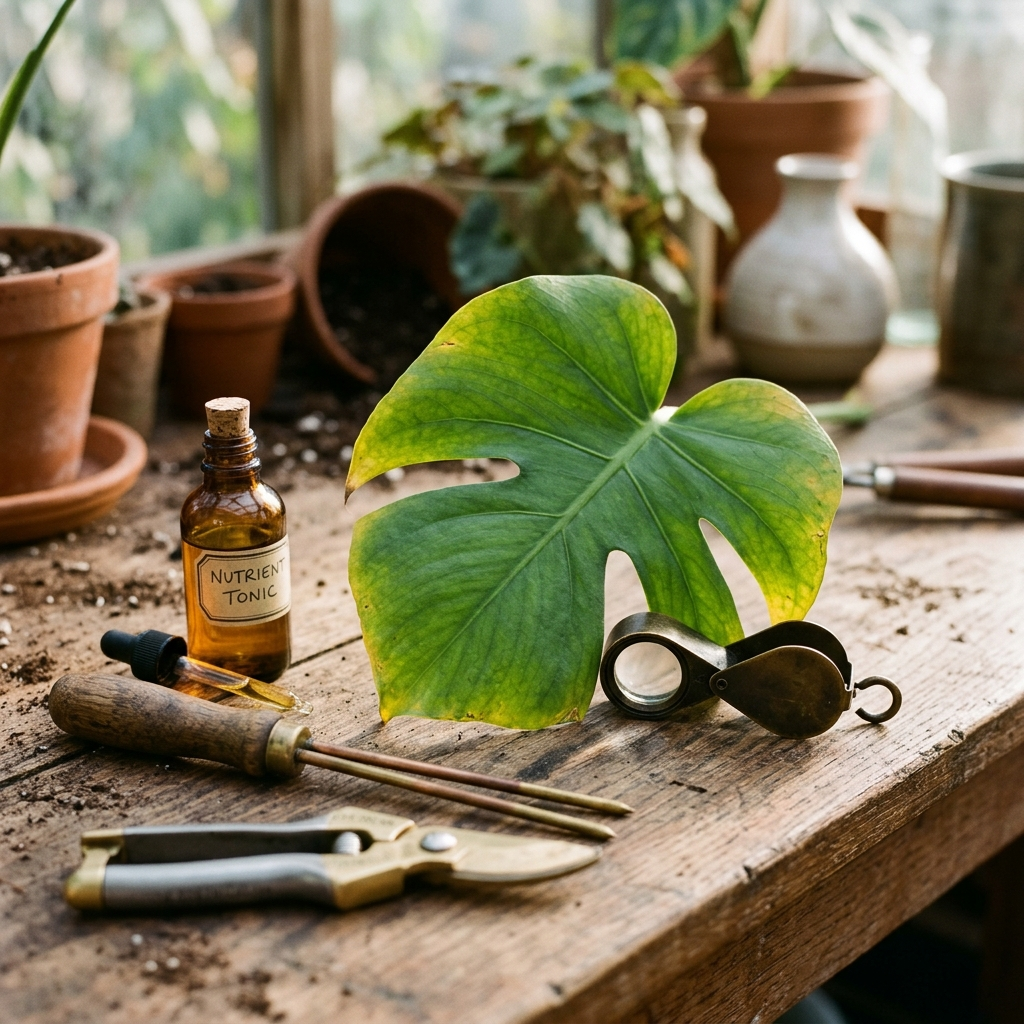
Beginning gardeners often encounter setbacks when misinterpreting common signs of plant distress. For instance, yellow leaves can stem from nitrogen deficiency, overwatering, root rot, or insufficient light. Applying the wrong remedy can quickly accelerate plant decline.
Traditional gardening books provide helpful foundational concepts but cannot evaluate specific, time-sensitive symptoms on demand. A beginner assessing a wilting tomato vine or an indoor monstera needs an immediate evaluation grounded in practical horticulture. Mobile applications help bridge this gap by analyzing leaf patterns, identifying species, and highlighting environmental stressors directly in the garden.
Key Takeaway: Beginners rarely struggle from a lack of effort; early signs of plant distress are simply easy to misread without diagnostic support.
Essential Capabilities to Look for in a Beginner Gardening App
When choosing a gardening app in 2026, evaluate tools by how well they eliminate guesswork. While many apps catalog plant names, beginner success depends on actionable advice for maintaining plant health and correcting problems.
- Accurate Species Identification: Reliable photo recognition ensures care recommendations match your exact plant rather than a broad family.
- Comprehensive Symptom Detection: The tool should identify leaf spots, pest damage, fungal infections, and environmental stress such as scorch or overwatering.
- Step-by-Step Recovery Plans: A diagnosis requires sequenced interventions, such as isolation, trimming, moisture adjustments, or organic treatments.
- Accessible Language and Interface: Look for applications supporting multiple languages and localized layouts to keep instructions clear and accessible.
Key Takeaway: Choose apps that deliver actionable recovery steps alongside species identification.
Using Plant Doctor: Plant Care for Immediate Health Assessments
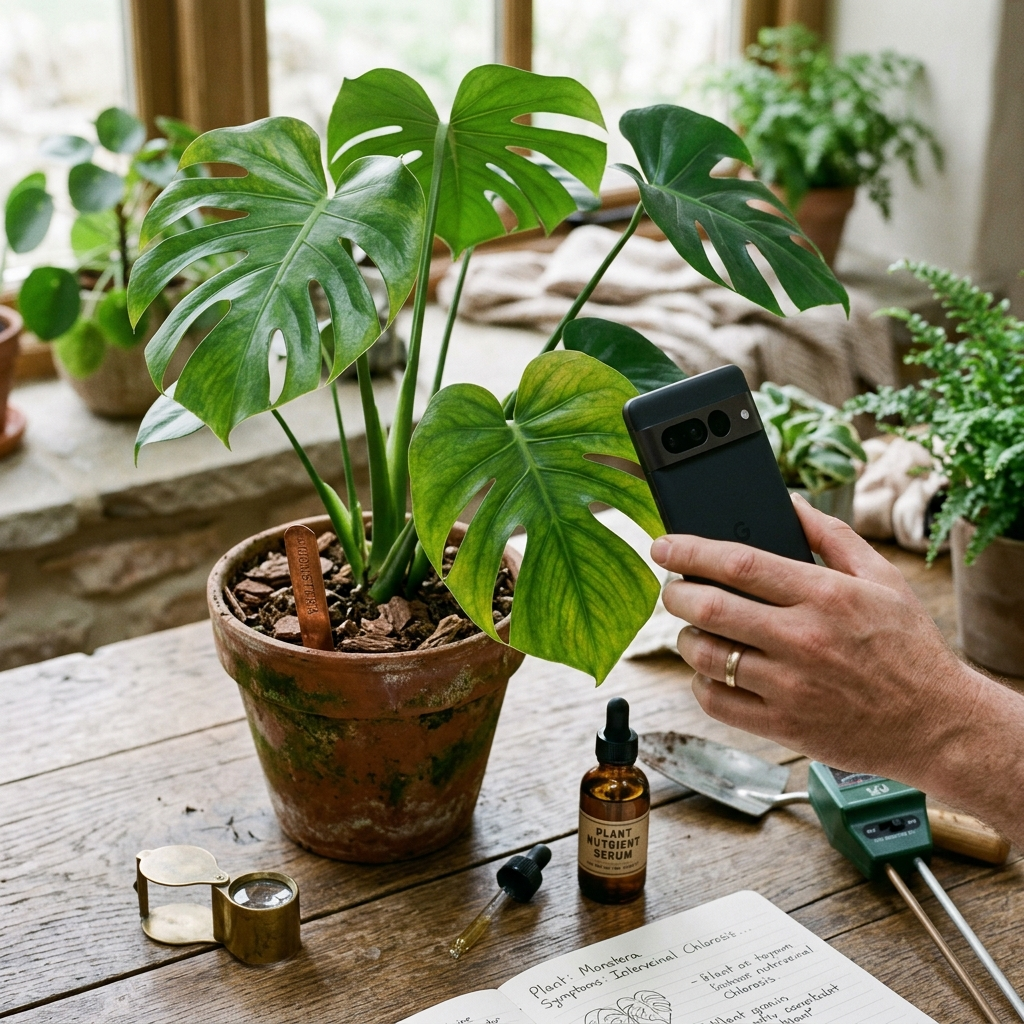
For gardeners needing immediate diagnostic support, Plant Doctor: Plant Care serves as an AI-powered plant health companion. Rather than searching manual indexes, you photograph a struggling plant to receive an instant assessment. The app identifies the species, detects diseases, pests, nutrient deficiencies, and environmental stress, and provides step-by-step treatment and prevention instructions tailored for home gardeners. It is available in 10 languages with full RTL support.
Photo Capture Best Practices for Diagnostic Accuracy
Diagnostic accuracy relies on clear image input. To help the app identify leaf spots, pests, or chlorosis accurately, use these standard capture practices:
- Frame the Affected Area: Capture both symptomatic tissue and adjacent healthy tissue for visual comparison.
- Use Natural, Diffused Daylight: Avoid direct midday sun or heavy shadows, which obscure true leaf coloration.
- Maintain Sharp Focus: Tap your screen to focus on pests, fungal patches, or discoloration boundaries before taking the photo.
- Check Leaf Undersides: Pests such as spider mites and aphids often gather beneath foliage, where top-down photos miss them.
Key Takeaway: Diagnostic accuracy depends on photo quality; sharp focus and natural lighting ensure reliable results.
Managing App Allowances and Support Tiers
Plant care apps structure usage in various ways, so choose an option suited to your plant collection. Plant Doctor: Plant Care provides a daily free diagnosis allowance, which supports the regular needs of windowsill growers or small balcony gardens.
For gardeners tending larger vegetable plots, raised beds, or extensive indoor collections, the PRO upgrade removes ads and provides unlimited diagnoses. This allows continuous checks during busy transition periods, such as spring planting or seasonal relocations indoors, without hitting daily limits.
Key Takeaway: Balance your garden's size against the daily free allowance and unlimited diagnostic options.
A 5-Step Routine for Diagnosing and Treating Unhealthy Plants
Using a mobile diagnostic app within a structured care routine keeps minor plant problems from escalating. Follow these five steps when foliage shows signs of distress:
- Isolate the Plant: Move the container away from other plants to keep pests or fungal spores from spreading.
- Document Symptoms: Photograph leaf margins, stems, and affected foliage using good lighting and sharp focus.
- Review the Recommended Treatment: Read the guidance carefully, noting cultural adjustments (like altering watering frequency) and physical steps (like pruning diseased leaves).
- Apply the Recommended Steps: Carry out treatments methodically. Disinfect pruning shears with rubbing alcohol between cuts when removing diseased tissue.
- Track Recovery over Seven Days: Check new growth. Damaged or necrotic leaves rarely recover, but emerging foliage should appear healthy and vigorous.
Key Takeaway: Prompt isolation and an accurate diagnosis help keep plant problems from spreading across your garden.
Summary: Building Confident Gardening Habits in 2026
Modern mobile tools reduce the trial and error of plant care. By pairing clear photo diagnostics with targeted treatments and routine observation, beginner gardeners can address pests and nutrient deficiencies before severe damage occurs. For a practical starting point, try Plant Doctor: Plant Care to evaluate your indoor and outdoor plants.