Cronometer vs Lose It: Which Calorie Tracker Is More Accurate?

When comparing nutritional accuracy, Cronometer offers higher data fidelity than Lose It due to its reliance on lab-analyzed databases like NCCDB and USDA rather than unverified user submissions. While Lose It features a streamlined interface and faster entry workflows, its crowdsourced database introduces frequent calorie and macronutrient discrepancies that require manual auditing.
The Core Dilemma: Database Rigor vs Daily Convenience
Calorie tracking succeeds or fails on data integrity. A consistent tracking habit cannot compensate for systematic estimation errors of 200 to 300 calories per day, which can eliminate an intended caloric deficit or surplus. Users evaluating Cronometer and Lose It need confidence that their recorded numbers accurately reflect nutritional intake.
The central tradeoff between these two platforms lies in their architecture. Cronometer treats food entries as comprehensive biochemical profiles, prioritizing lab-verified records and detailed micronutrient data. Lose It prioritizes logging speed, relying heavily on a community-built database that accelerates data entry but shifts the verification burden to the user.
Database Accuracy: Lab Analysis vs Crowdsourced Entries
Cronometer sources entries from curated databases such as the Nutrition Coordinating Center Food and Nutrient Database (NCCDB) and USDA FoodData Central. Submissions to its public database undergo staff verification before approval, ensuring consistent serving sizes, energy density, and micronutrient ratios across listings.
Lose It maintains a database with millions of entries populated largely by community members. While this expedites barcode scanning for packaged foods, it introduces data hygiene issues. Entries frequently omit sodium, fiber, or protein values, listing only total calories.
- Cronometer Data Integrity: Curated entries with low risk of user error, standardized weight metrics (grams/ounces), and detailed laboratory nutrient profiles.
- Lose It Data Integrity: High variance in entry quality, frequent duplicate listings, and omitted secondary macronutrients or micronutrients.
- Serving Sizes and Portion Verification
A frequent source of error in digital nutrition tracking is ambiguous portion sizing. An entry titled "one medium chicken breast" can vary substantially depending on raw versus cooked status. Precise tracking requires mass units rather than arbitrary portion labels.
Cronometer defaults to gram-based measurements and differentiates preparation methods such as raw, baked, or boiled. Lose It frequently presents volume-based or non-standard estimates (such as "bowls" or "servings") as the primary unit. Relying on volume measurements for dense items like nut butters, whole grains, and meats can introduce significant tracking drift.
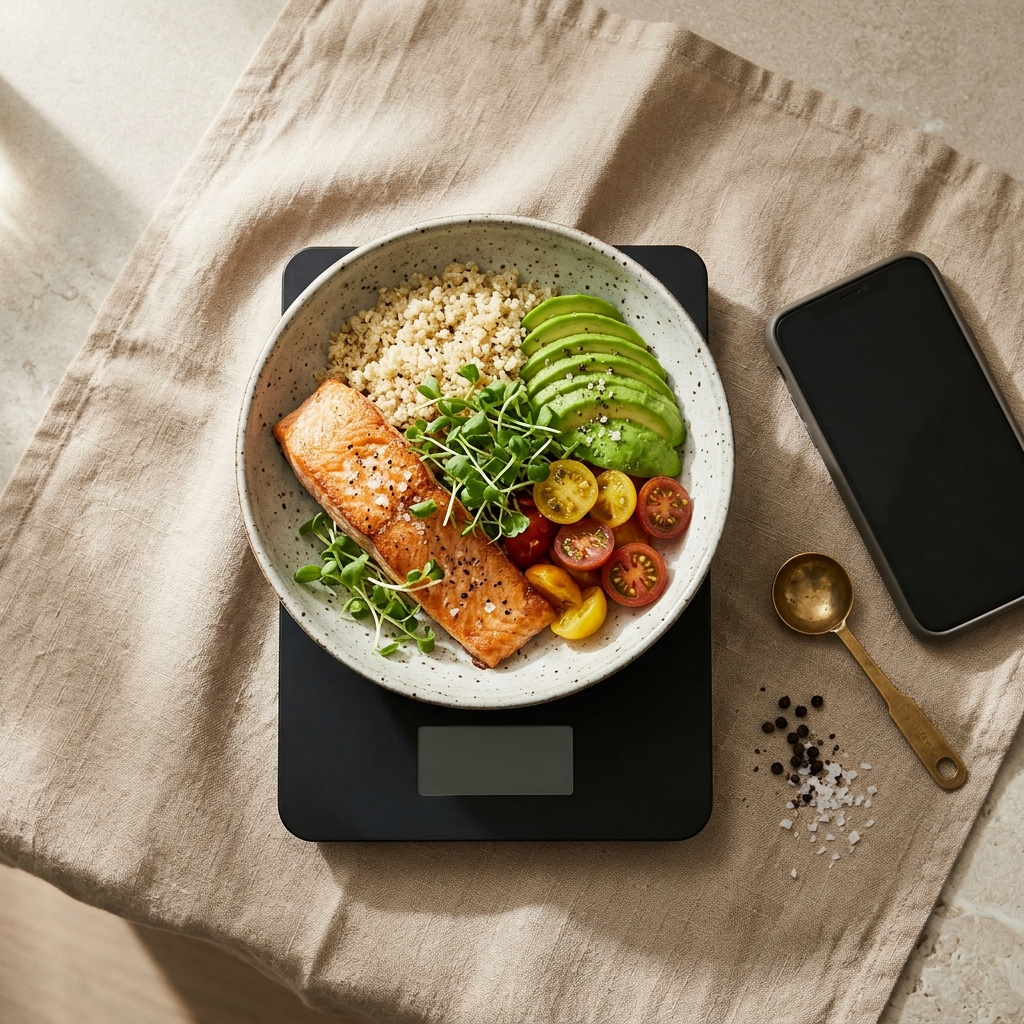
- Weigh ingredients raw when feasible: Moisture loss during cooking alters caloric density per gram unpredictably.
- Filter search terms by verification badges: When using crowdsourced databases like Lose It, select entries marked with verified icons.
- Audit label calculations: Verify that (Protein × 4) + (Carbohydrates × 4) + (Fat × 9) roughly matches the listed total calories.
Micronutrient Tracking and Metabolic Precision
Nutritional tracking often extends beyond total calories. Individuals managing athletic recovery, electrolyte balance, or specific micronutrient targets require detailed tracking. Cronometer measures up to 84 distinct micronutrients and amino acids, tracking variables like potassium, magnesium, and specific fatty acid profiles directly from verified sources.
Lose It focuses primarily on macronutrient targets (protein, carbohydrates, fats) and calorie budgets. Detailed micronutrient tracking is limited, making it less suited for clinical diets or performance nutrition requiring specific micronutrient monitoring.
Modern Logging Workflows: Bridging the Accuracy Gap with AI
The primary barrier to high-accuracy platforms like Cronometer is manual friction. Searching databases, selecting preparation states, and logging multi-ingredient meals requires time and effort. Conversely, speed-focused apps like Lose It often sacrifice nutritional precision for ease of entry.
AI-assisted logging offers an alternative approach to this tradeoff. For example, Foodly uses photo analysis to identify meal items, estimate portions, and generate calorie and macro breakdowns alongside confidence scores. Users can review these suggestions and apply manual adjustments, reducing logging time while preserving data accuracy.
Choosing the Right Tracking Strategy
Your choice between Cronometer and Lose It depends on your tracking requirements and personal workflow:
- Choose Cronometer if: You need comprehensive micronutrient visibility, follow specific clinical or athletic protocols, or require lab-validated data free from crowdsourced errors.
- Choose Lose It if: Your priority is fast logging, your diet consists mainly of packaged foods with barcodes, and minor daily caloric variances are acceptable.
- Adopt Automated Tools like Foodly if: You want fast meal recognition through photo analysis combined with adjustable confidence scores and manual override controls.
Frequently Asked Questions
Cronometer sources food data from lab-verified databases like the NCCDB and USDA, with staff reviewing public submissions. Lose It relies heavily on unverified user submissions, which often contain missing or inaccurate nutritional values.
No. Lose It focuses on calories and core macronutrients (protein, fat, and carbohydrates). Cronometer tracks up to 84 nutrients, including detailed vitamin, mineral, and amino acid profiles.
Photo-based logging apps like Foodly identify food items and estimate portions while providing confidence scores. When combined with manual review and adjustments, this workflow reduces logging friction while maintaining data accuracy.