How to Estimate Portions Without a Food Scale Using Your Phone
You can estimate portion sizes without a food scale by pairing your smartphone camera with practical visual benchmarks. Nutrition tracking apps like Foodly: Calorie & Macro Log analyze meal photos to identify foods, estimate volume, and calculate calories and macronutrients. Combined with quick hand-measurement cues, your phone provides an effective way to track nutrition when you are away from home.
The Friction of Traditional Portion Tracking
Tracking food intake supports specific dietary and fitness goals, but relying on a kitchen scale is rarely practical outside the home. Carrying a scale to restaurants, work, or social events is inconvenient and difficult to maintain consistently.
Without a measurement tool, portion estimates often turn into guesswork. Visual misjudgments occur frequently, particularly with calorie-dense ingredients such as cooking oils, dressings, and starches. Over time, these estimation errors can stall progress toward daily nutritional targets.
A smartphone provides a portable, objective alternative. Using your phone to capture meals replaces manual weighing with a fast, repeatable tracking process.
How Smartphone Image Recognition Estimates Portion Volume
Visual nutrition apps estimate portion sizes by analyzing the geometry and composition of foods captured in a photo. In Foodly: Calorie & Macro Log, the AI identifies distinct items on your plate and pairs them with nutrition data to estimate calorie, protein, carbohydrate, and fat content.
The app evaluates visible surface area and estimated depth to approximate portion volume. Because different foods have varying densities—such as dense proteins versus leafy greens—the models estimate portions based on the detected boundaries of each food.
Foodly displays a confidence score for each identified item. If an estimate appears inaccurate or ingredients are partially obscured, you can use the manual override feature to adjust the portion before saving the log.
- Item identification: Recognizes individual meal components like proteins, grains, and vegetables.
- Volume approximation: Estimates portion sizes based on visible area and depth cues.
- Review and override: Displays confidence indicators and allows manual edits for specific recipe variations.
Best Practices for Capturing Photos for Accurate Measurement
The accuracy of photo-based portion estimation depends on image quality and framing. Dim lighting or extreme angles can obscure food boundaries, leading to inaccurate volume estimates.
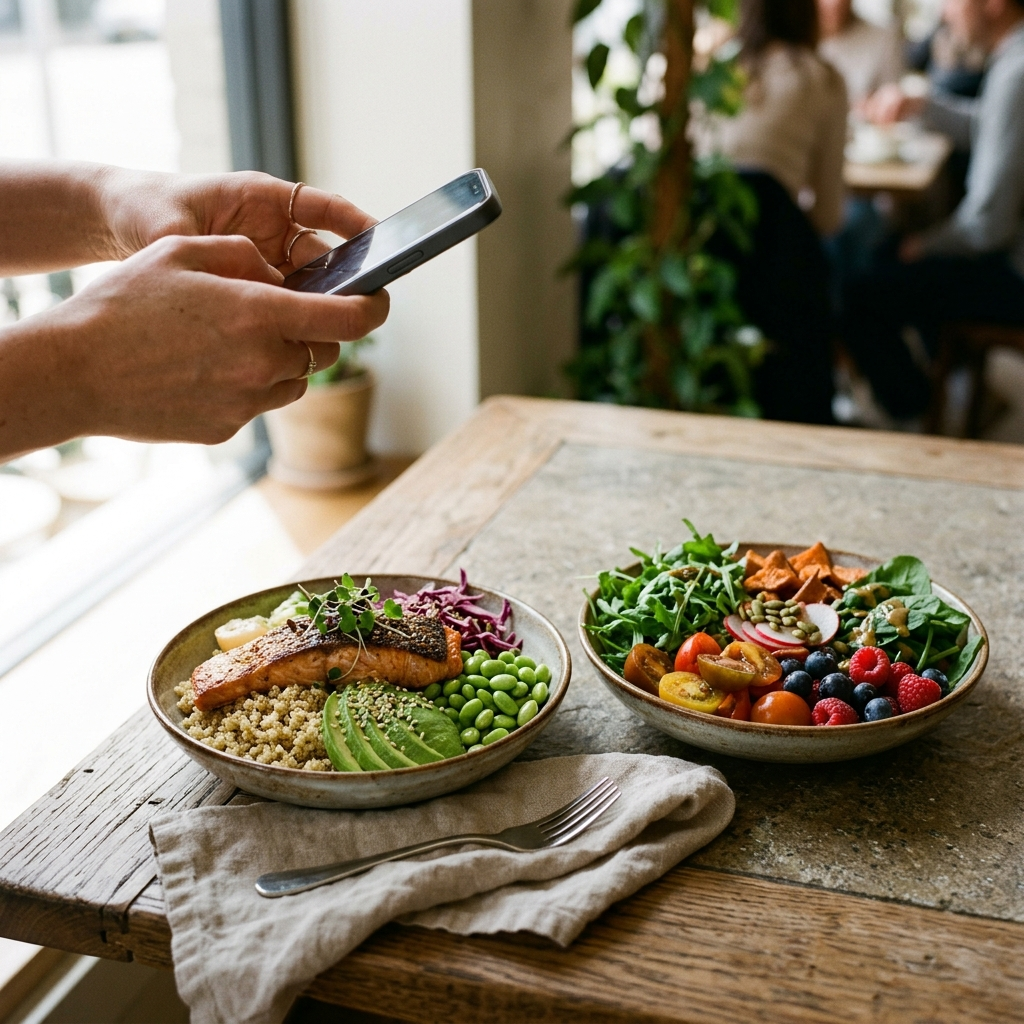
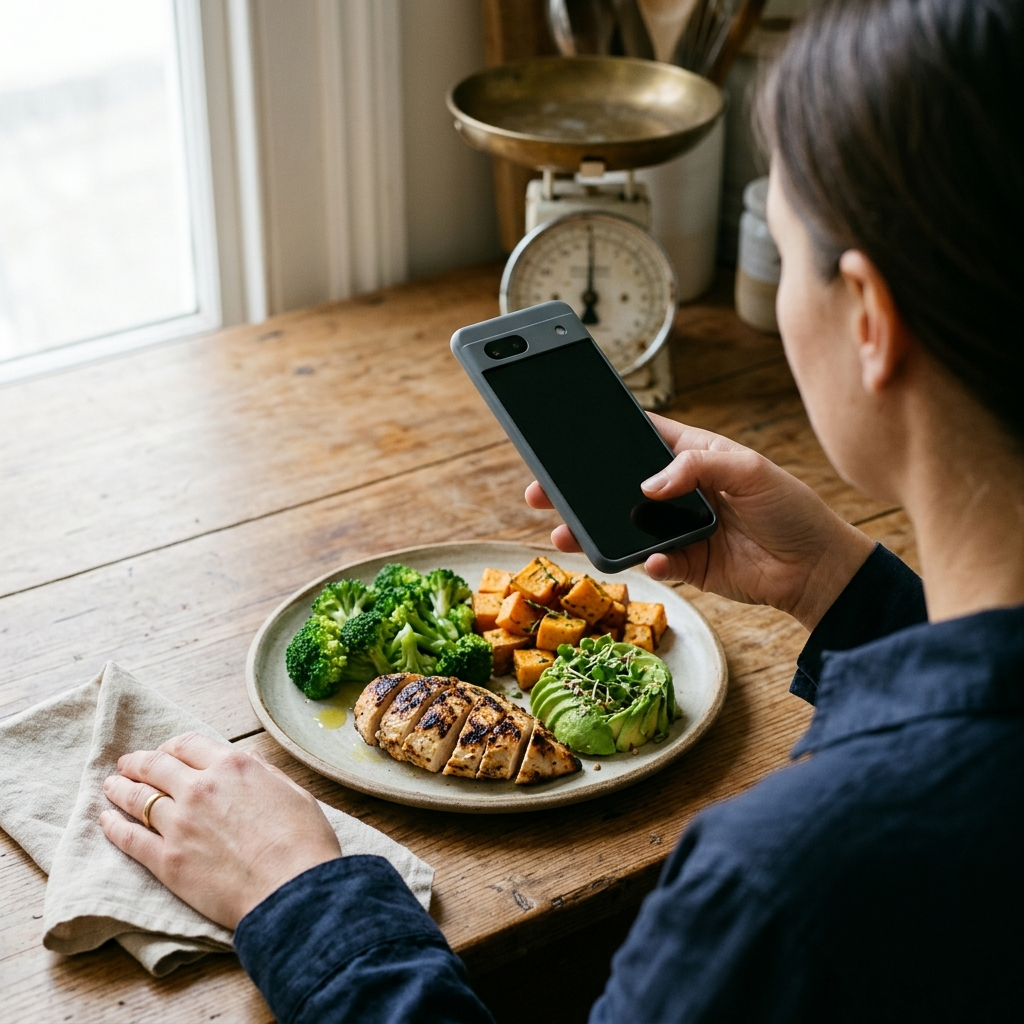
Hold your phone at roughly a 45-degree angle about 12 to 18 inches above your food. This angle captures both the overall surface area and the height of the dish. Keeping the complete rim of the plate or bowl in view also provides a standard reference for scale.
- Use clear lighting: Position the plate so shadows do not hide food edges or depth.
- Capture the full container: Keep the entire plate or bowl inside the frame to establish relative scale.
- Account for layered dishes: Photograph mixed meals before stirring, or use manual adjustment to log underlying sauces and oils.
Using Manual Hand Benchmarks Alongside Your Screen
Standard hand-measurement benchmarks provide an easy cross-check for automated estimates on your phone screen. These common visual guides help you quickly evaluate logged portions.
Standard nutrition guidelines associate common food types with hand measurements. A palm-sized portion corresponds roughly to 3 to 4 ounces of cooked meat, poultry, or fish. A closed fist is roughly equivalent to 1 cup of vegetables or cooked starches.
A cupped hand represents about one-half cup of cooked grains or legumes, while a thumb corresponds roughly to 1 tablespoon of fats, oils, or nut butters. Comparing these cues with the values in Foodly helps verify that logged amounts reflect what is on your plate.
- Palm: Roughly 3 to 4 ounces of cooked meat, poultry, or fish.
- Closed fist: Approximately 1 cup of vegetables, fruit, or starches.
- Cupped hand: Approximately 1/2 cup of cooked grains or legumes.
- Thumb: Approximately 1 tablespoon of oils, butter, or dressings.
Step-by-Step Routine for Scale-Free Dining
Using a structured photo routine makes meal logging fast and consistent throughout the day.
Arrange your plate so distinct items are visible where possible. Open Foodly: Calorie & Macro Log and photograph your meal at a 45-degree angle in clear light.
Check the recognized items, nutritional breakdown, and confidence scores. If an estimate differs from your visual hand benchmarks, adjust the entry before confirming. This habit keeps your daily logs aligned with your macro targets.
- Arrange the meal: Keep distinct food items visible before taking the photo.
- Take the photo: Frame the complete plate from 12 to 18 inches away at a 45-degree angle.
- Check confidence scores: Review the identified foods and calorie and macro totals.
- Confirm or modify: Adjust quantities if needed, then log the meal to your daily tracker.
Maintaining Consistency Across Social and Dining Settings
Logging restaurant meals introduces added variables, as restaurant kitchens often use butter, oils, and sauces that are not fully visible in photographs. A sauteed dish or grilled cut of meat may contain more calories than its raw appearance suggests.
When tracking meals prepared outside the home, account for hidden preparation fats. In Foodly, use the manual override feature to add one to two tablespoons of cooking oil or butter to sauteed, fried, or glazed dishes.
Consistent logging across all meals provides useful weekly trend data, helping you track intake patterns and macro distributions even when exact kitchen measurements are unavailable.
Conclusion
Estimating portion sizes without a scale does not require guesswork. By combining basic hand benchmarks with the photo-recognition and manual adjustment features in Foodly: Calorie & Macro Log, you can track daily nutrition accurately wherever you eat. Clear photo framing and quick confidence reviews keep your tracking routine efficient and practical.