Cal AI vs MyFitnessPal: Which Delivers Better Photo Food Tracking?
When comparing Cal AI and MyFitnessPal for photo food tracking, Cal AI offers faster automated image recognition for single-plate meals, whereas MyFitnessPal provides a larger verified food database backed by barcode scanning. For users who prioritize fast visual logging alongside confidence metrics and manual adjustments, dedicated computer vision trackers such as Foodly: Calorie & Macro Log offer an efficient balance between speed and macronutrient accuracy.
The Friction of Traditional Calorie Tracking
Dietary logging often fails because of administrative burden. Measuring individual ingredients, typing brand names, and searching through conflicting public database entries turn every meal into a data-entry task. Many individuals abandon tracking within weeks simply because manual logging takes too much time during a busy workday.
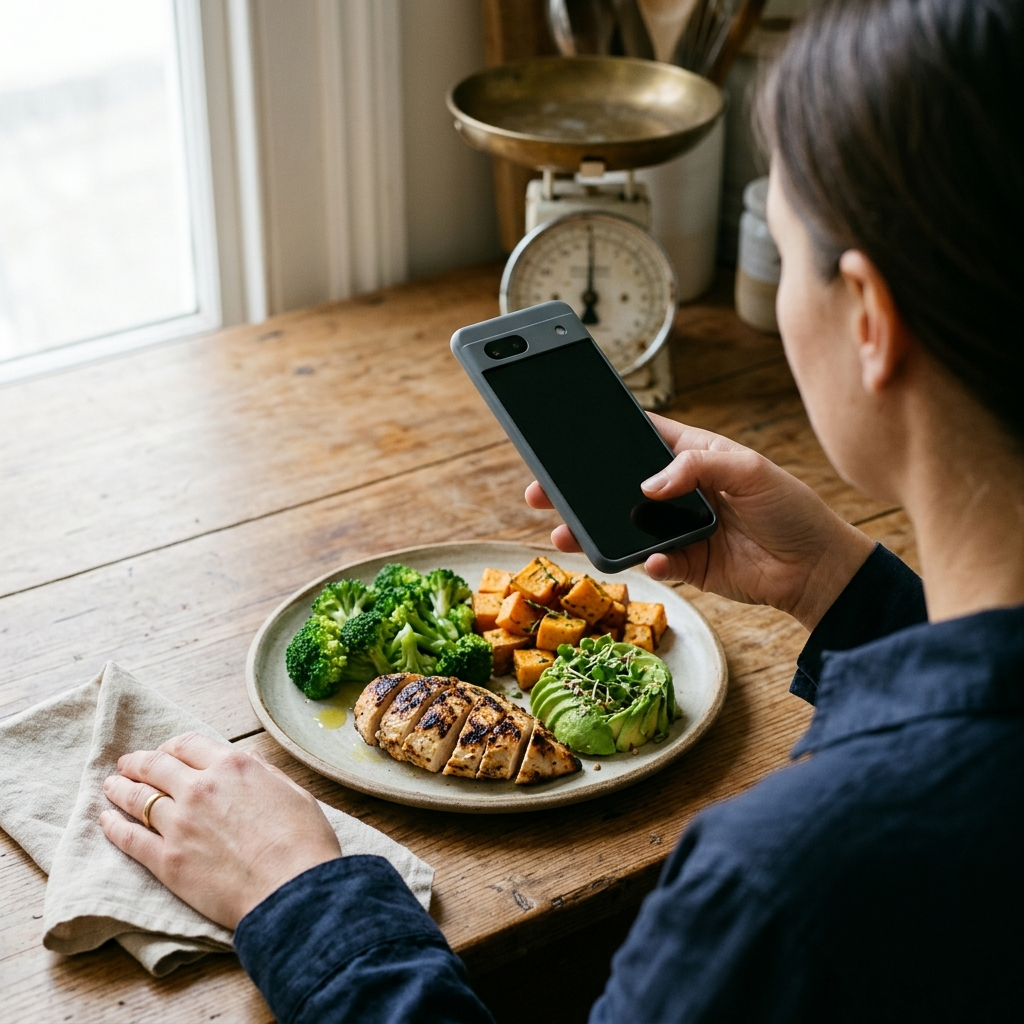
Visual food tracking addresses this compliance barrier by replacing text search with camera capture. However, photo logging introduces its own challenge: estimation error. If an application misidentifies ingredients, conceals its estimation certainty, or makes portion editing tedious, users quickly lose confidence in their nutritional data.
Cal AI: Streamlined Vision with Automation Trade-offs
Cal AI built its interface around direct image analysis. The primary user flow requires taking a photo of your plate, waiting a few seconds for computer vision analysis, and receiving an automated estimate of total calories, protein, carbohydrates, and fats.
The strength of this model is reduced friction. For straightforward dishes—such as grilled chicken breast with steamed broccoli and brown rice—the software breaks down visible portions without requiring manual database lookups. This approach serves users who prioritize logging speed over gram-level precision.
The limitation lies in hidden ingredients and verification. Cal AI relies heavily on image heuristics, which can struggle to detect hidden fats, cooking oils, liquid calories, or dense dressings. When the model makes an incorrect guess, verifying the calculation or adjusting the underlying nutritional assumptions can add friction.
- Strengths: Fast capture workflow; clean interface designed primarily for image input; minimal setup required for quick estimates.
- Drawbacks: Limited verification for complex recipes; difficulty measuring hidden culinary fats without repeated prompts.
- Takeaway: Cal AI suits individuals who value logging consistency and broad estimates over granular recipe auditing.
MyFitnessPal: Legacy Database Breadth Meets Layered Features
MyFitnessPal approaches photo logging as an auxiliary feature layered on top of an extensive nutritional catalog. Originally designed around manual entry and barcode scanning, the platform added photo tracking to expand its logging suite for premium subscribers.
The primary advantage of MyFitnessPal is the depth of its underlying nutrition repository. When a photo suggestion needs verification, users have access to millions of branded supermarket items, restaurant menus, and regional grocery products. Barcode scanning remains available as a reliable backup when packaged foods accompany home-cooked items.
However, the platform carries architectural complexity. The user experience can feel cluttered with advertisements, community feeds, and subscription tiers. Photo logging in MyFitnessPal often acts as a front door to manual search rather than a standalone tool, frequently requiring the user to confirm each ingredient against its search index before logging.
- Strengths: Expansive database covering branded and regional groceries; barcode verification; established fitness ecosystem.
- Drawbacks: Visual logging requires multiple confirmation steps; interface feels crowded; advanced tracking tools require premium access.
- Takeaway: MyFitnessPal is practical for individuals who already rely on specific branded items and prefer an established manual database over an automated camera-first experience.
Evaluating Accuracy: Confidence Scoring and Manual Overrides
Camera-based food tracking cannot eliminate physical ambiguity; two identical-looking sauces can vary widely in sugar or oil content. Therefore, the hallmark of an effective nutrition tracker is not absolute automated certainty, but transparency and ease of correction.
Modern applications designed around photo analysis address this reality by introducing two essential elements:
- Smart Confidence Scoring: Indicating directly to the user whether the system is confident about an identified food or uncertain about portion sizes.
- Frictionless Manual Overrides: Allowing immediate adjustments to weights, ingredient names, or macronutrient splits without deleting the entry.
Tools such as Foodly: Calorie & Macro Log apply this approach. Instead of forcing users to accept a closed estimate or retype an entire meal from scratch, Foodly combines photo recognition with confidence feedback and manual editing. This workflow keeps logging quick while preserving user control over real dietary values.
Workflow Comparison: How to Choose the Right Tracking Tool
Selecting the right tracker depends on how you prepare meals and how much time you are willing to spend recording them. Use this checklist to determine which approach fits your daily routine:
- Choose a camera-first tool (like Cal AI or Foodly) if: You primarily eat whole foods or plated meals, dislike typing searches, and want to log meals in under ten seconds.
- Prioritize confidence scores and instant editing (Foodly) if: You want the convenience of photo logging but frequently adjust cooking methods, portion estimates, or specific macronutrient ratios.
- Choose a legacy database (like MyFitnessPal) if: A substantial portion of your diet consists of packaged convenience items, branded chain restaurant meals, or foods requiring exact barcode matching.
Optimizing Your Photo Logging Routine
Regardless of which application you select, following consistent photo habits significantly improves automated estimation accuracy. Computer vision models perform best when visual cues provide sufficient contrast and depth perspective.
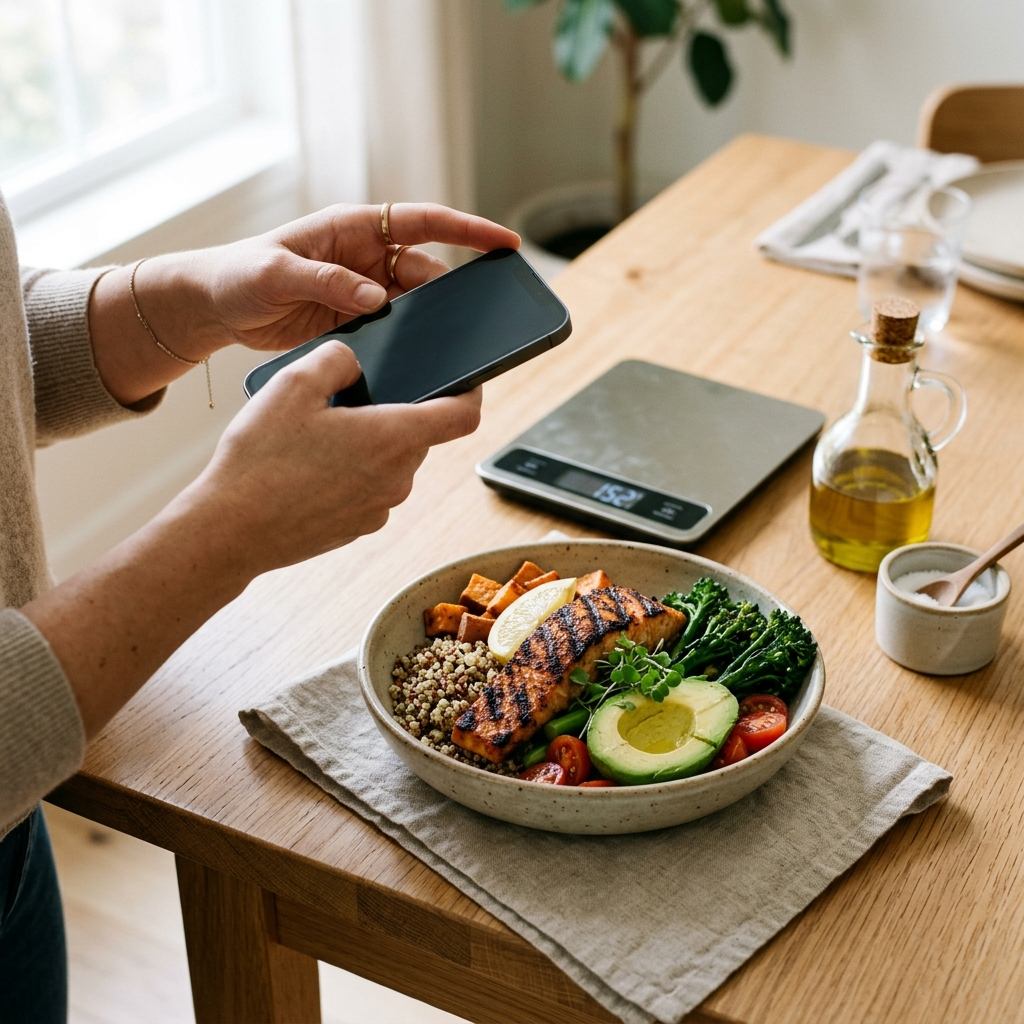
- Capture from a 45-degree angle: A slight angle reveals both surface area and portion height, giving the vision model better depth data than a flat overhead image.
- Ensure clear lighting: Dim lighting obscures textures, protein cuts, and sauce densities, leading to lower identification confidence.
- Separate mixed ingredients visually: Whenever practical, keep side dishes, starch portions, and proteins distinct on the plate to assist ingredient segmentation.
- Quickly review the macro breakdown: Spend two seconds checking protein, fat, and carbohydrate ratios, applying a manual override whenever you know cooking oils were used heavily.
Conclusion
Cal AI delivers quick automated estimates for busy users, while MyFitnessPal offers exhaustive database depth for those willing to navigate a more complex interface. For users seeking an efficient alternative that combines rapid photo analysis with transparent confidence scores, easy macro adjustments, and weekly trend analytics, Foodly: Calorie & Macro Log provides a balanced, reliable tool for daily nutrition management.