Best Lose It Alternative for Automatic Calorie Counting: A Review of Foodly
For users seeking an alternative to Lose It that emphasizes automatic tracking, Foodly: Calorie & Macro Log offers photo-based nutritional logging. Instead of requiring manual database searches, Foodly analyzes meal photos to calculate calories, protein, carbohydrates, and fats while providing confidence scores and manual override options for adjustments.
The Friction of Manual Food Logging
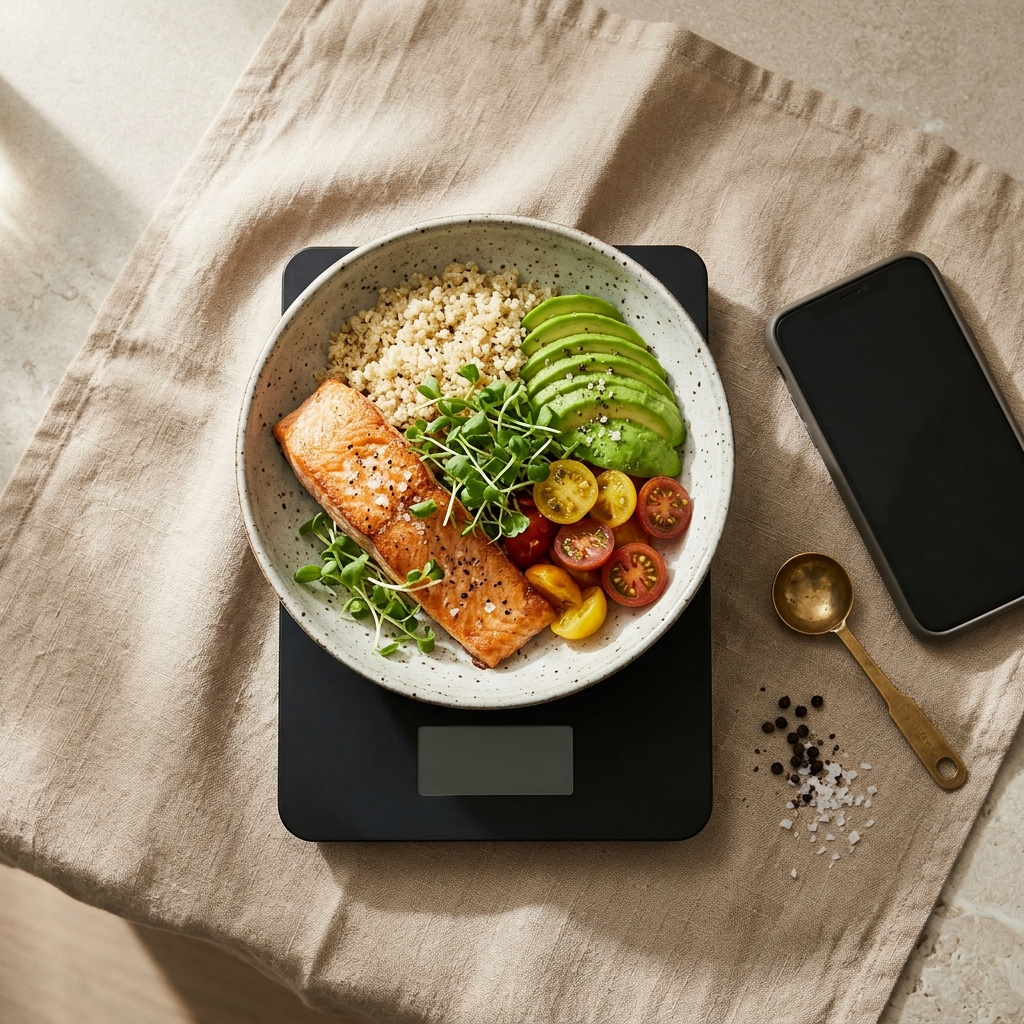
Standard nutrition tracking applications typically rely on text searches, barcode scans, and portion weighing. While effective for packaged foods, manual logging can become tedious during restaurant dining or when preparing multi-ingredient meals at home.
The time required to log individual items often leads to missed entries and inconsistent tracking. When recording a single meal takes several minutes, the administrative effort becomes a barrier to long-term dietary monitoring.
Reducing input friction while maintaining accurate records is key to consistent logging, shifting the focus from manual data entry to assisted dietary tracking.
How Automatic Calorie Counting Works in Foodly
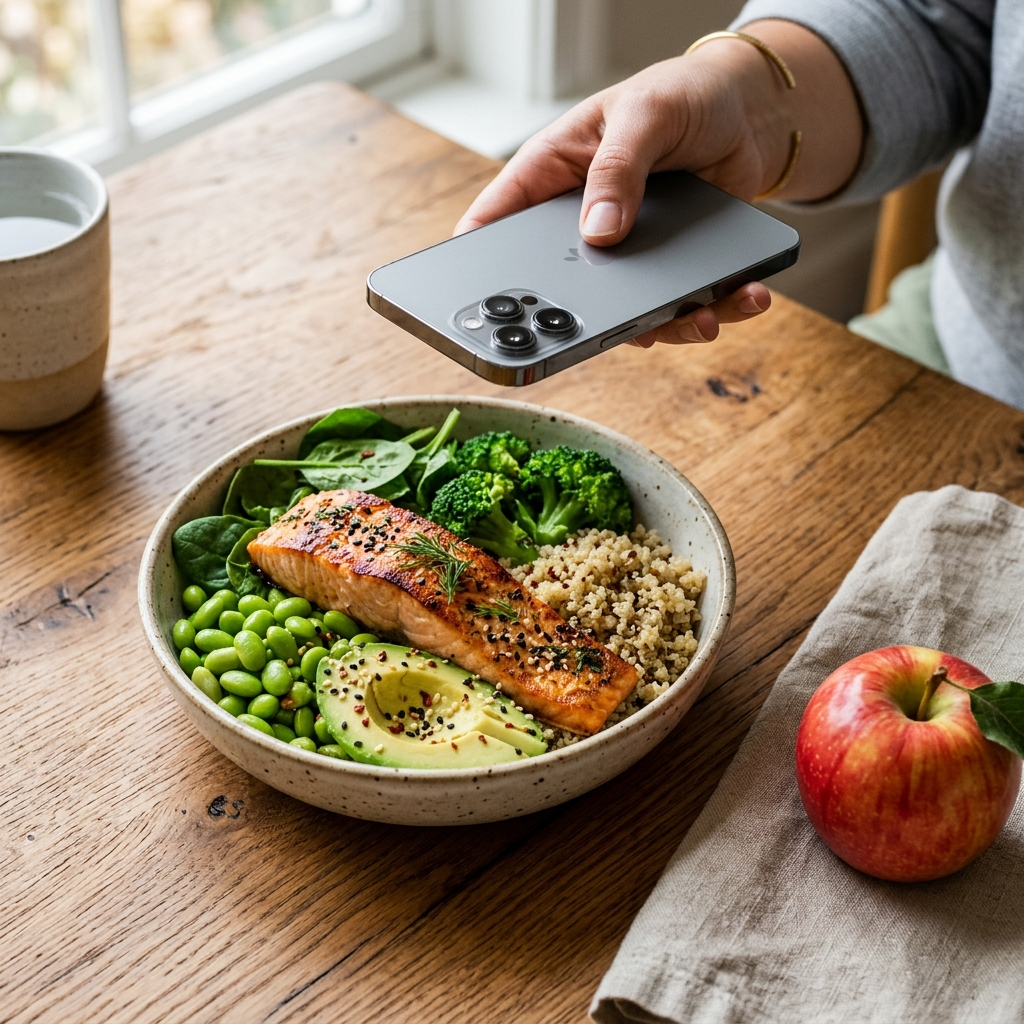
Foodly streamlines input by using photo analysis. Users photograph a meal, and the application identifies the food items and estimates portion sizes.
The app then generates a nutritional breakdown of total calories and macronutrients: protein, fats, and carbohydrates. This eliminates the need to manually search and select each ingredient from a database.
Because visual analysis cannot detect every detail—such as the difference between skim milk and whole milk—Foodly displays a confidence score with each estimate. This score indicates how certain the system is, helping users determine when a quick review is needed.
Key elements of photo-based logging include:
- Speed: Log full meals in seconds rather than entering individual items.
- Visual review: Compare estimated portions against the plate before saving.
- Confidence indicators: Spot which items may require verification.
Maintaining Accuracy with Manual Overrides
Visual recognition cannot reliably identify hidden ingredients such as cooking oils, dressings, or specific brand substitutions.
To maintain data integrity, Foodly provides a manual override feature. After the system generates its initial estimate, users can adjust portion weights, replace items, or correct macronutrient values before saving the entry.
This combination allows users to benefit from rapid automated estimates while retaining full control over the final nutritional record.
Monitoring Progress with Dashboards and Macro Breakdown
Beyond individual meals, effective dietary tracking requires monitoring overall daily balance and long-term habits.
Foodly features a dashboard that displays consumed calories alongside remaining daily allowances. It also provides visual breakdowns of protein, carbohydrates, and fats to help users monitor macronutrient distribution.
For longer-term patterns, the app includes weekly trend charts. Reviewing intake across multiple days helps users identify recurring habits, such as variations between weekdays and weekends.
Core tracking features include:
- Daily calorie tracking: Real-time monitoring of consumed and remaining calories.
- Macronutrient breakdown: Clear visibility of protein, carbohydrate, and fat intake.
- Trend analysis: Weekly charts showing intake patterns over time.
A Step-by-Step Guide to Transitioning from Lose It to Foodly
Moving from manual entry to photo-based logging requires only minor workflow adjustments. To get started:
- Complete onboarding: Enter your age, baseline details, and health objectives.
- Photograph meals clearly: Take photos under good lighting so the application can identify individual meal components.
- Check confidence scores: Review the confidence indicator for estimated items.
- Make necessary adjustments: Use the manual override to add hidden fats, dressings, or modified ingredients before saving.
- Review weekly trends: Use the analytics dashboard to monitor consistency and evaluate dietary patterns.
Conclusion: Choosing the Right Logging Workflow
While manual entry remains common, image-based recognition provides a faster option for daily tracking. By pairing photo identification with confidence scoring, manual corrections, and macro dashboards, Foodly: Calorie & Macro Log offers a practical alternative to manual logging tools.
Frequently Asked Questions
Manual logging requires searching databases and entering each ingredient and portion by hand. Automatic calorie counting analyzes a meal photo to identify items and estimate portion sizes, reducing entry time.
Yes. Foodly includes a manual override feature that allows users to edit ingredients, adjust portion sizes, and modify macronutrient values before saving an entry.
Yes. Foodly tracks protein, carbohydrates, and fats alongside calories, offering real-time dashboard updates and weekly trend charts.