Best AI Food Tracker Apps for Busy Professionals in 2026

The best AI food tracker apps for busy professionals in 2026 eliminate logging friction by converting meal photos directly into nutritional data. Instead of searching database entries after each meal, users capture meal images to log intake in seconds. Apps such as Foodly: Calorie & Macro Log support this workflow by combining automated visual analysis with confidence scores and macro tracking dashboards.
The Operational Cost of Traditional Nutrition Tracking
Busy professionals often stop tracking dietary intake because manual entry requires excessive time. Logging multi-ingredient meals, catered office lunches, or restaurant food in traditional apps requires searching for individual ingredients and estimating portions item by item.
When logging requires several minutes per meal, consistent tracking becomes difficult to maintain alongside tight schedules and work fatigue. To remain practical, nutrition tracking must minimize data entry while preserving nutritional accuracy.
Key takeaway: Long-term dietary tracking depends on minimizing friction per entry rather than relying solely on willpower.
How Computer Vision Streamlines Daily Logging
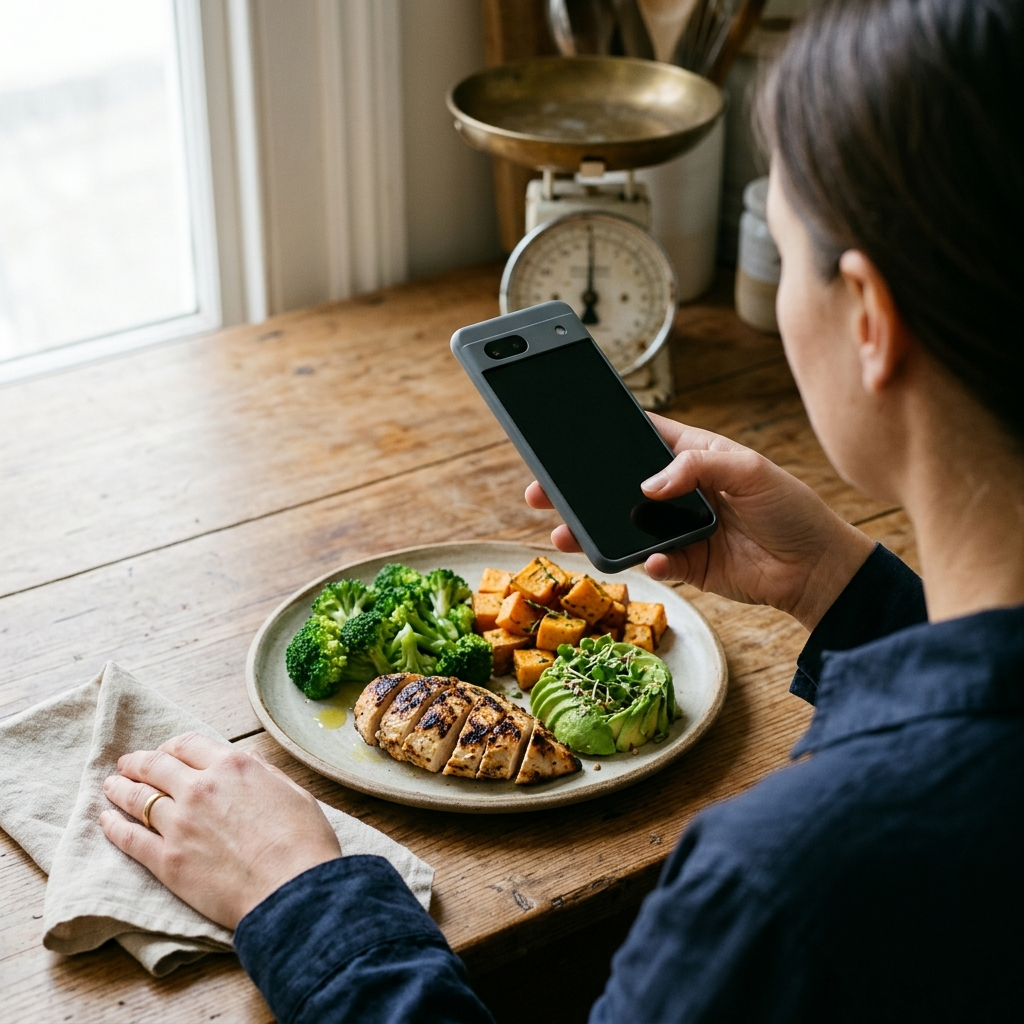
Modern AI food trackers replace manual database lookups with image recognition. When you photograph a meal, the software analyzes visual details to detect items, estimate portions, and calculate calorie and macronutrient values.
In Foodly, this workflow comprises four core steps:
- Instant Photo Capture: Take a photo of your plate or beverage before eating.
- Automated Component Breakdown: The model identifies visible food items and estimates calories, protein, carbohydrates, and fats.
- Confidence Scoring: The app provides a confidence level for each estimate, indicating when an unusual preparation may need verification.
- Manual Override: You can review, refine portion estimates, or edit values directly.
Key takeaway: Image recognition automates food identification, while confidence ratings and manual controls ensure accurate records.
Evaluating Essential Features for Demanding Workdays
Selecting an AI nutrition app requires evaluating how quickly it delivers actionable information during a busy day.
1. Real-Time Calorie and Macro Budgets
A clear dashboard shows current calorie totals alongside your remaining daily target, helping you make informed meal choices during busy workdays or business travel.
2. Macro Distribution Visualizations
A visual macronutrient breakdown illustrates the balance of protein, carbohydrates, and fats across your meals, making it easy to monitor specific dietary targets.
3. Longitudinal Trend Analysis
Long-term trends provide clearer insight than isolated days. Weekly trend charts track nutritional patterns across fluctuating work schedules.
Key takeaway: Focus on apps that display immediate calorie balances on the primary screen along with weekly analytics.
Protocol: Integrating AI Logging into a Packed Schedule
Establishing a simple routine helps maintain consistent nutritional records throughout the week:
- Calibrate Onboarding Parameters: Complete initial setup with your profile details to establish baseline calorie and macronutrient targets.
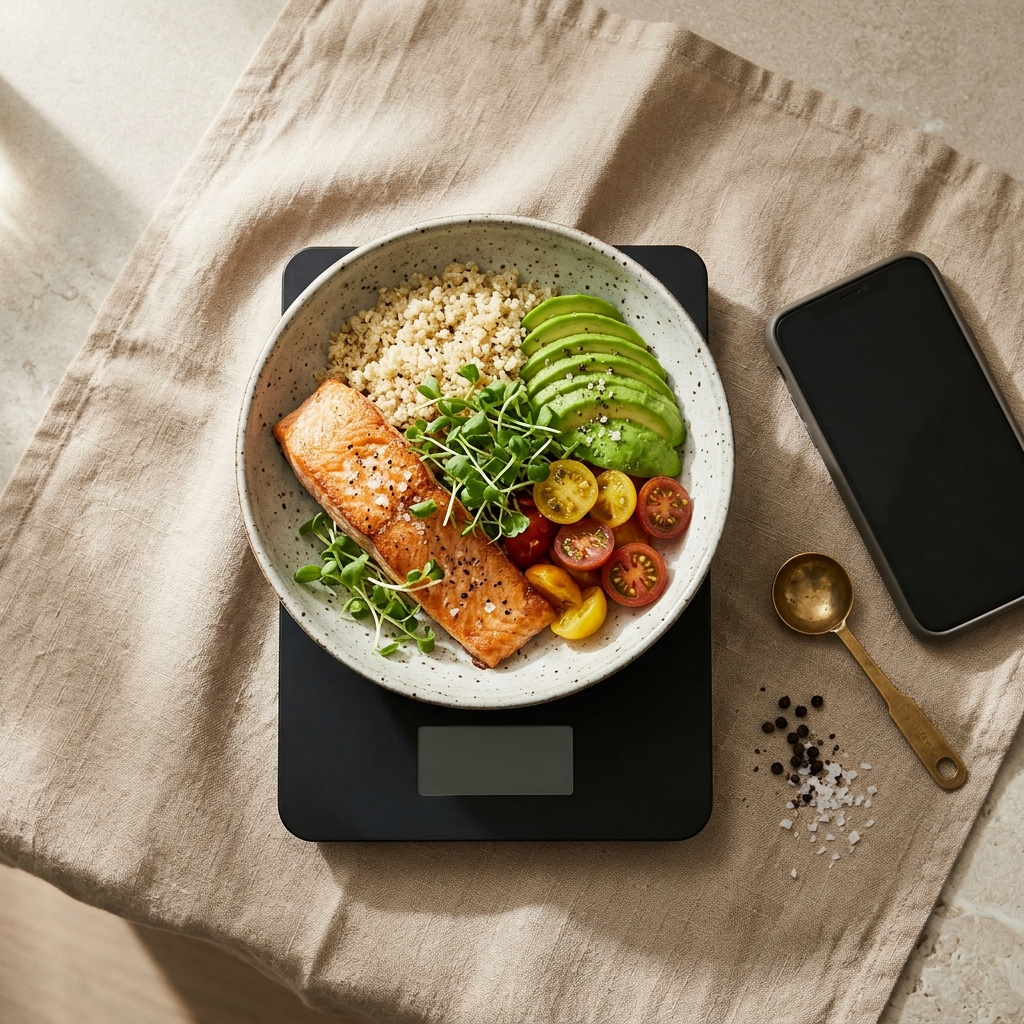
- Capture Before the First Bite: Take a clear overhead photo of your meal in good lighting, ensuring major food components are visible.
- Check the Confidence Score: Review the confidence indicator. If an item contains hidden dressings or sauces, use the manual override to adjust the entry.
- Review the Evening Dashboard: Check your daily summary before dinner to evaluate remaining calorie and macro allowances.
- Audit Weekly Trends: Review weekly charts to assess nutrition consistency across different work routines.
Key takeaway: Brief daily checkpoints and consistent photo habits prevent unlogged meals and maintain accurate records.
Maintaining Nutritional Control Without Administrative Overhead
Balancing nutrition with a demanding professional schedule requires efficient tools. Nutrition tracking should provide clear health insights without taking time away from work priorities.
By using photo-based food recognition, confidence scores, and real-time dashboard analytics, Foodly: Calorie & Macro Log streamlines daily tracking. Automated logging and reliable macro reporting help busy professionals monitor nutrition without manual overhead.
Frequently Asked Questions
The app uses computer vision to identify foods and estimate portion sizes from a photo. It calculates estimated calories and macronutrients and provides a confidence score, allowing you to review or adjust entries before saving.
Yes. Foodly includes a manual override feature so you can correct portion sizes, adjust ingredients, or modify macronutrient values.
Manual logging requires searching databases and entering each ingredient individually. Photo-based AI tracking automates this process into a single step, reducing the time needed to record daily meals.