Best AI Calorie Counter Apps by Photo in 2026: Evaluating Visual Nutrition Tracking
The most effective photo-based AI calorie counters in 2026 combine visual food recognition with confidence scoring and manual editing controls. Instead of requiring users to search text databases for every ingredient, photo trackers like Food Ai (Foodly) identify meal components from an image, estimate portion sizes, and calculate calories, protein, carbohydrates, and fats. The most reliable tools pair automated analysis with user review, allowing you to refine estimates when meals contain hidden ingredients or complex preparation methods.
Why Traditional Calorie Counting Fails Long-Term Adherence
Manual food logging often fails because recording a single meal requires too much effort. Searching for individual ingredients, estimating weights without a scale, and building custom recipes turn eating into an administrative task. When meals come from restaurants or shared platters, guesswork increases and accuracy drops.
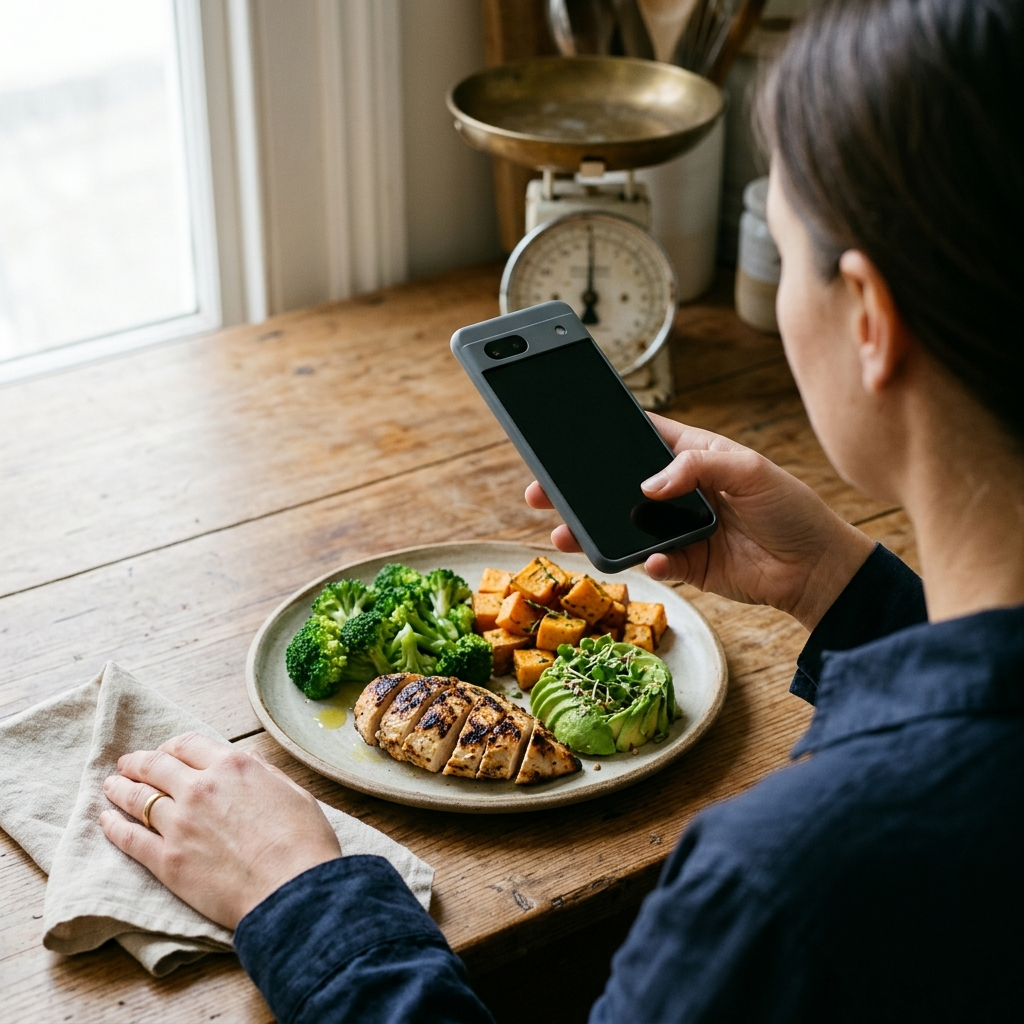
Photo-based nutrition tracking reduces this friction by shifting your role from data entry to review. Instead of typing ten separate items for a mixed salad, you take a single photo and let the app handle initial identification and portion estimation. Lowering the time needed to log a meal makes it easier to maintain a consistent daily record.
Sustainable nutrition tracking depends on reducing logging effort while preserving enough accuracy to guide daily food choices.
Core Criteria for Evaluating AI Photo Calorie Trackers in 2026
Visual food loggers vary in transparency and control. Early tools often returned a single calorie total without explaining how the meal was parsed or allowing corrections. When comparing AI calorie counter apps in 2026, evaluate how the software handles uncertainty and user adjustments.
- Instant Food and Portion Recognition: The app should identify distinct items on the plate and estimate their portion sizes from the photo, rather than assigning a single generic label to the entire dish.
- Complete Macronutrient Breakdown: Calorie totals alone are often insufficient for specific nutrition goals. Look for clear reporting of protein, carbohydrates, and fats alongside total energy intake.
- Smart Confidence Scoring: Because sauces, dressings, or cuts of meat can look similar under indoor lighting, reliable AI trackers display confidence levels for their estimates. This indicates when the model is certain and when an item requires closer inspection.
- Manual Override Capabilities: Cameras cannot detect cooking oils absorbed during pan-frying or sugar dissolved in a drink. A practical tracker lets you review and adjust AI suggestions before saving the log.
- Longitudinal Analytics: Daily logs are more useful when paired with real-time progress tracking, visual macro distributions, and weekly trend charts.
Evaluating an app against these five criteria helps you choose a practical nutrition tool rather than a basic camera utility.
How Food Ai (Foodly) Approaches Visual Nutrition Tracking
Food Ai—named Foodly in the app—is built around automated photo recognition and user verification. Setup begins with personalized onboarding, where you enter baseline details such as your age to establish daily calorie budgets and nutrition targets.
From Photo Capture to Verified Entry
When you take a photo of a meal in Foodly, the AI analyzes the image to identify food items and estimate portions. The app then provides a breakdown of calories, protein, fats, and carbohydrates alongside confidence scores. If an item is partially hidden or visually ambiguous, the confidence score signals that you should check the entry and use the manual override tool to adjust the food item or portion size.
Turning Daily Logs into Actionable Trends
Once you confirm an entry, the data updates Foodly's dashboard. Real-time progress indicators display your remaining daily calorie budget, while macro visuals show the distribution of protein, carbohydrates, and fats consumed. Over time, interactive weekly trend charts highlight recurring patterns—such as weekend calorie increases or low protein intake—so you can adjust your habits.
By combining photo analysis with confidence metrics and trend dashboards, Foodly reduces the effort of manual logging while keeping you in control of your records.
Step-by-Step Workflow for Accurate Photo Calorie Logging
Image analysis depends on clear photos and brief user review. Following a consistent routine when photographing meals improves initial estimates and reduces the need for edits.
- Frame the Entire Plate Clearly: Hold your phone directly above the meal or at a 45-degree angle so both the surface area and height of the portions are visible.
- Ensure Adequate Lighting: Avoid heavy shadows or dim lighting when possible. Clear light helps the software distinguish between visually similar foods like grilled chicken, tofu, and white fish.
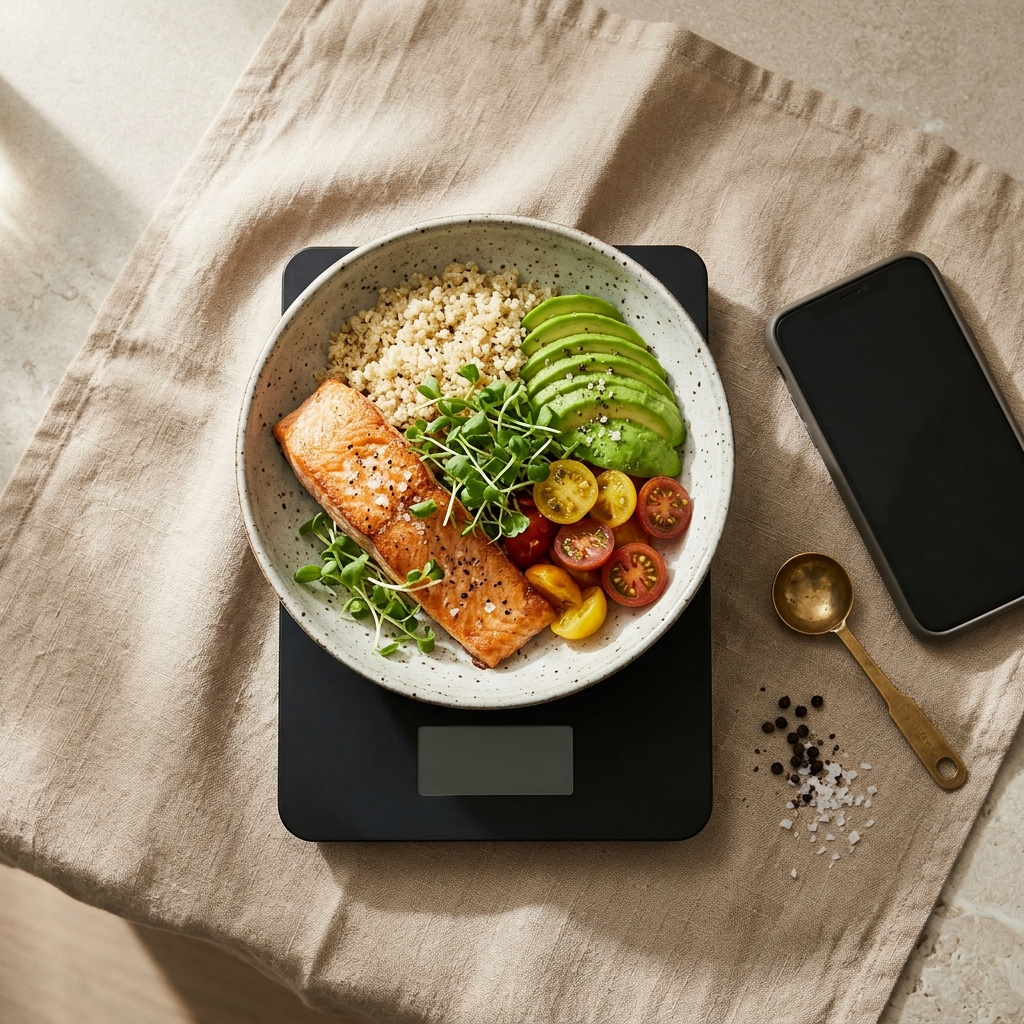
- Separate Overlapping Ingredients: For layered meals such as burrito bowls or salads, take the photo before mixing the ingredients so each component is visible.
- Check the Confidence Score: After Foodly processes the image, review the confidence levels for each identified item, paying close attention to dressings, sauces, and dense starches.
- Apply Manual Overrides for Hidden Ingredients: If vegetables were cooked in butter or oil that does not show in the photo, use the manual override controls to adjust the entry.
- Review Your Remaining Daily Budget: Check the dashboard after logging to see how the meal affects your remaining calories and macro balance for the day.
Combining clear photo capture with a quick review provides the speed of automation and the precision of manual adjustments.
Understanding the Limits of Visual Food Recognition
Users of AI photo trackers should keep realistic expectations about what optical analysis can measure. A camera captures surface shape, color, and texture, allowing software to distinguish an apple from a baked potato and estimate portion volume. However, a photo cannot determine the fat percentage of ground beef, tell diet soda from regular soda, or measure cream mixed into soup.
Because of these physical limits, automated tracking requires human oversight. Apps that output a single uneditable number can lead to inaccurate logs. By contrast, apps like Food Ai display confidence scores and include manual overrides so you can correct hidden ingredients, keeping your dashboard and weekly trend charts accurate.
Using visual AI to identify visible foods and estimate portions, while applying manual edits for hidden ingredients, produces more consistent tracking results.
Conclusion: Choosing the Right Tool for Your Nutrition Goals
Effective nutrition tracking in 2026 depends on reducing logging friction while maintaining accuracy. By combining photo analysis with confidence scoring, manual overrides, and macro dashboards, Food Ai (Foodly) provides a structured workflow for daily calorie management. You can use Foodly to photograph meals, verify your entries, and monitor weekly nutrition trends toward your health goals.
Frequently Asked Questions
AI photo calorie trackers analyze an image to identify the foods on a plate and estimate their portion sizes. From those estimates, apps like Foodly calculate total calories along with protein, carbohydrates, and fats.
Apps such as Food Ai (Foodly) display confidence scores alongside their estimates and include a manual override feature. This lets you review the AI suggestions and adjust ingredients or portion sizes before saving.
Yes. In addition to single-meal estimates, Foodly includes a dashboard with real-time progress tracking, a visual breakdown of protein, carbs, and fats, and interactive charts for weekly trend analysis.
Photograph your meal in clear lighting before mixing ingredients together so each item is visible. Afterward, check the app's confidence scores and use manual overrides to account for hidden cooking oils, dressings, or sauces.