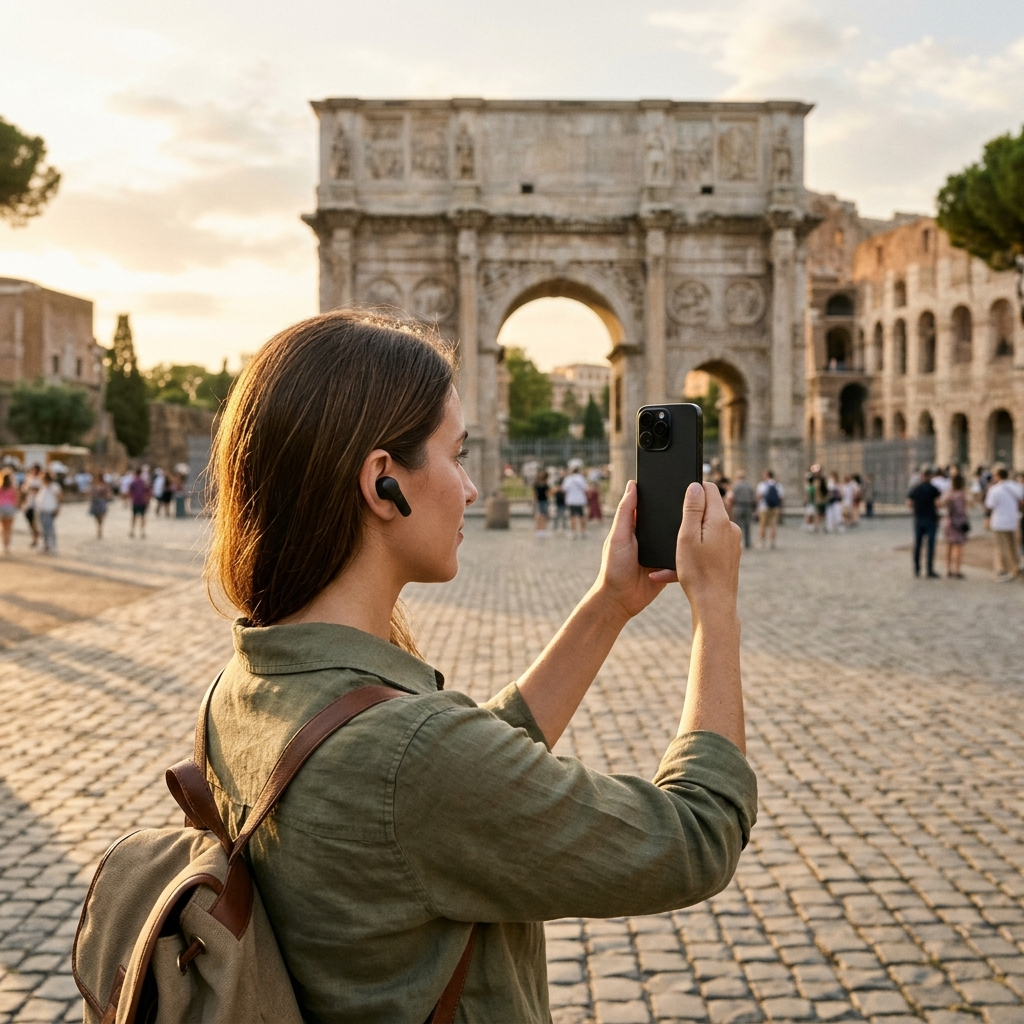
How to Build a Custom Walking Tour Itinerary Using AI
Building a custom walking tour itinerary using AI involves identifying relevant points of interest through visual recognition and search, assembling them into a trip, and organizing the sequence on an interactive map. Mobile tools like the AI tour guide app combine automated landmark identification, conversational place details, and voice narration to streamline itinerary planning without manual mapping.
The Practical Limitations of Prepackaged Walking Tours
Standard walking tours often follow fixed schedules and predetermined routes that linger at crowded monuments while bypassing smaller cultural sites nearby. Planning an independent route manually can also be inefficient, often requiring multiple search engines, map bookmarks, and static review sites that lead to backtracking and awkward walking paths.
Using AI simplifies route planning by centralizing discovery, itinerary management, and on-site background information in one place. Instead of relying on static top-ten lists, travelers can curate self-paced routes around specific themes, such as architecture, civic history, or parks.
- Pacing control: Spend the desired amount of time at each location without waiting for a tour group.
- Curatorial focus: Choose points of interest that match specific thematic interests.
- Direct planning: Review distances, map markers, and site descriptions within a single interface.
1. Discovering and Screening Destinations with AI
Effective itineraries start with targeted discovery. In the AI tour guide app, users can browse the complete points-of-interest catalog or use full-text search across site names, descriptions, and categories in grid or list views to locate stops within a neighborhood.
The app also supports visual discovery. The AI landmark scanner identifies landmarks directly from photos or gallery video thumbnails, matching images to cataloged points of interest. This allows travelers to identify an uncaptioned site from personal media and review its background, images, and distance from their current location.
- Category browsing: Filter by category to keep the itinerary focused.
- Visual identification: Scan photos or video thumbnails to pull up verified catalog entries.
- Proximity checks: Verify the distance from your current location before adding a stop.
2. Structuring and Sequencing the Walking Route
A practical itinerary minimizes unnecessary transit. Once relevant stops are selected, save them to favorites and group them into a named trip.
Sequencing stops logically prevents backtracking. The app's interactive Google Maps view displays all points of interest with markers that can be tapped for quick previews. After reviewing the geographic layout, use the trip manager's drag-and-drop controls to arrange stops in a logical walking order.
- Create a named trip: Group selected points of interest under a specific itinerary name.
- Review map markers: Tap markers on the interactive map to preview locations and check spatial layout.
- Reorder stops: Drag and drop destinations into a streamlined walking sequence.
3. Integrating On-Site Context with Conversational AI and Text-to-Speech
Beyond route planning, a walking tour requires context at each stop. While physical plaques often provide only brief overviews, the app's place pages offer detailed descriptions alongside an Ask AI feature for specific questions about each location.
To review information while walking, the Listen feature uses text-to-speech to read place descriptions aloud. This allows travelers to learn about sites hands-free without looking down at a screen while navigating sidewalks.
- Ask AI: Submit specific questions about a landmark to retrieve targeted information.
- Listen with text-to-speech: Play place descriptions aloud for hands-free listening.
- Favorites: Save stops to a personal collection for reference during or after the walk.
4. Navigating Live with Voice-Guided Tours and Offline Reliability
On-the-ground travel often presents challenges like weak cellular connectivity or screen glare. The live tour guide feature offers AI-powered, voice-guided walking tours that narrate information as you explore, keeping the experience hands-free.
The app also works offline, preserving access to saved itineraries and place details when network coverage is unavailable. For low-light conditions, the interactive map includes dark mode support to reduce glare and preserve battery life.
- Voice guidance: Use narrated walking tours for hands-free guidance along your route.
- Offline functionality: Access saved trips and place information without an active internet connection.
- Dark mode: Switch map views to dark mode for nighttime visibility.
Step-by-Step Checklist for Building Your AI Walking Tour
Use this workflow to plan and complete a self-guided route:
- Select destinations: Use catalog search, category filters, or the landmark scanner to find stops.
- Build the trip: Save selected locations to a named trip.
- Sequence the route: Review markers on the interactive map and reorder stops with drag-and-drop controls.
- Review site details: Check place descriptions, test text-to-speech audio, or use Ask AI for additional context.
- Begin the tour: Start the voice-guided tour mode to explore hands-free.
A More Intentional Approach to Urban Exploration
Using AI for walking tours pairs custom route planning with real-time site context. By combining visual landmark identification, drag-and-drop itinerary tools, and voice narration, travelers can explore unfamiliar neighborhoods independently and at their own pace. The AI tour guide app provides these tools in a single platform, with a free trial available for new users.
Frequently Asked Questions
The landmark scanner matches captured photos or gallery video thumbnails against cataloged points of interest, retrieving details, images, and descriptions.
Yes. In the trip manager, you can reorder destinations using drag-and-drop controls to arrange an efficient walking sequence.
Yes. The app works offline, allowing users to access saved trips and point-of-interest details without mobile data.
The app includes a live tour guide mode that provides AI-powered, voice-guided narration, as well as text-to-speech audio that reads place descriptions aloud.