How to Get an Instant Audio Guide for Any Landmark
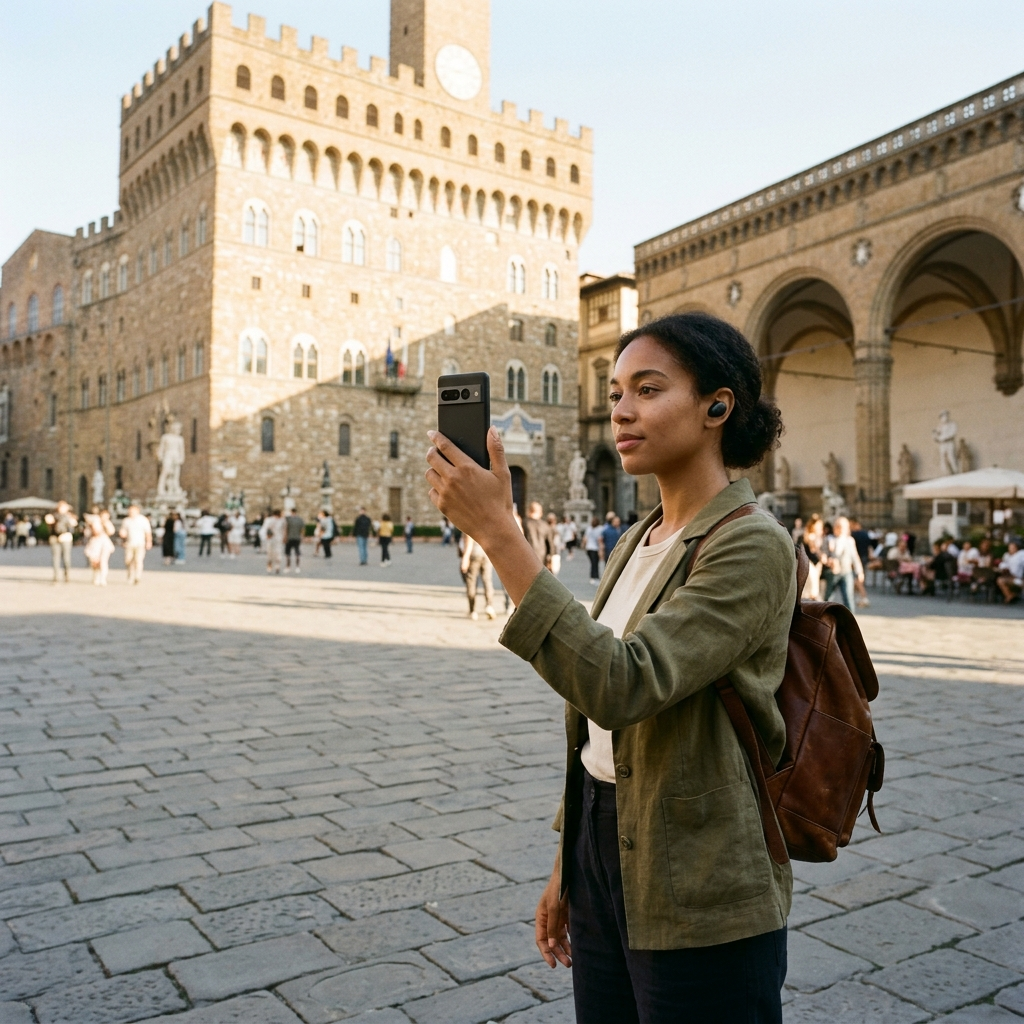
You can get an instant audio guide for any landmark by capturing a photo or selecting a video clip on your phone, allowing image recognition to identify the site and read detailed descriptions aloud. Mobile tools like Aitour: AI Travel Guide combine visual scanning, catalog search, and text-to-speech playback to provide on-demand audio commentary directly at points of interest.
The Friction of Traditional Landmark Interpretation
Exploring historic architecture and cultural monuments often involves fragmented information. Travelers encounter unfamiliar statues, facades, or plaques without context, requiring them to rent proprietary audio devices, read crowded signboards, or type search queries manually. These approaches interrupt the visit and demand repetitive effort.
Scheduled tour groups follow fixed itineraries, leaving little room for self-paced detours. When travelers encounter unlisted monuments or visit outside regular operating hours, they often miss the historical context entirely. An effective self-guided tool identifies the specific monument in front of the traveler and delivers audible commentary promptly.
Instant Landmark Identification via Visual Scanning
Visual recognition bypasses manual data entry when accessing audio narration. Rather than guessing an official name or spelling, you aim your camera directly at the structure. The recognition system matches the captured image against a catalog of points of interest.
Scanning from Photos and Video
Visual identification supports direct capture and stored media:
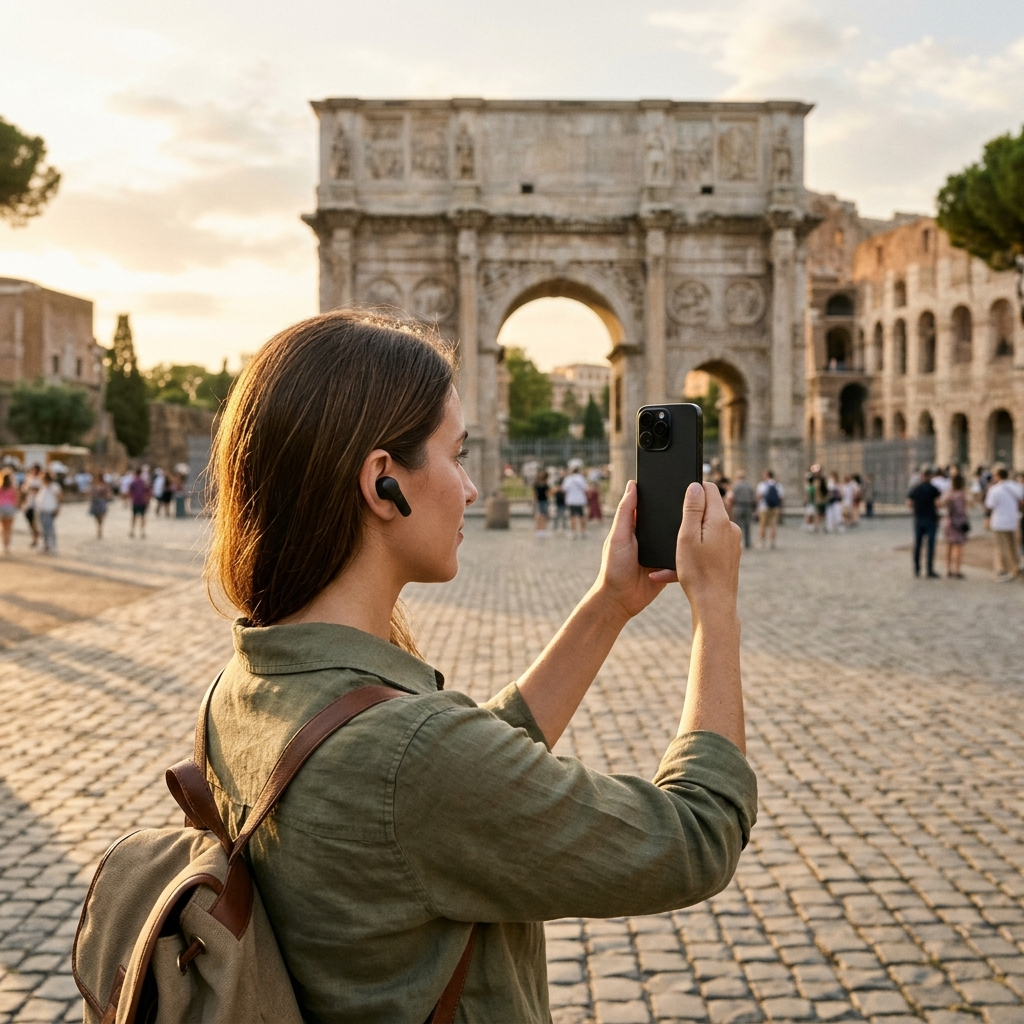
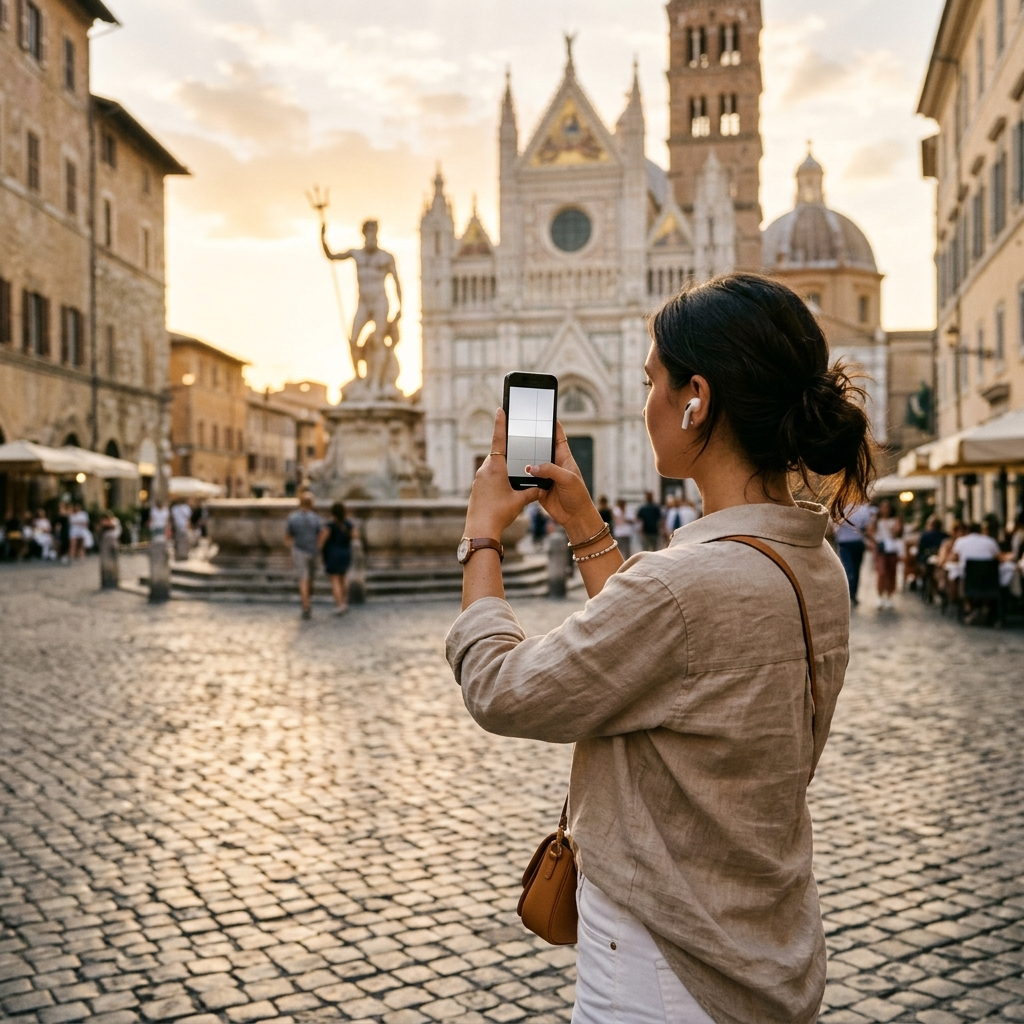
- Direct Photo Capture: Photographing a landmark matches the image against catalog entries and opens the relevant place page.
- Gallery Video Selection: If you recorded footage earlier, selecting the video from your gallery allows the app to recognize the landmark from the video thumbnail.
- Catalog Matching: Once recognized, the app directs you straight to the details and stories for that point of interest.
Takeaway: Visual scanning replaces manual text searches by identifying landmarks directly from photos or gallery video thumbnails.
Enabling Audio Narration and Interactive Inquiries
Once a place is identified, text-to-speech reads the recorded descriptions aloud. Aitour integrates audio playback directly into each place profile, narrating historical and architectural details while you view the monument.
Deepening Context with Directed Questions
Static audio tracks follow a single pre-recorded script and cannot answer specific follow-up questions. When examining a particular architectural element, users can ask for additional details through built-in AI features:
- Tap the listen option on the place page to start the audio description.
- Note specific historical or architectural details you want clarified.
- Use the Ask AI feature to submit questions about the landmark and receive relevant answers directly.
Takeaway: Combining text-to-speech descriptions with the Ask AI feature provides both foundational information and answers to specific questions about a landmark.
Navigating Walks Hands-Free with Live Voice Tours
Exploring historic districts often involves walking along unfamiliar streets where staring at a screen is inconvenient and distracting.
Live tour guide features offer voice-guided walking tours powered by AI, allowing hands-free exploration. The narration guides you through the area, letting you keep your eyes on your surroundings rather than on your phone.
Takeaway: Voice-guided walking tours provide hands-free audio narration, allowing you to focus on your surroundings while exploring historic areas.
Planning and Organizing Destinations with Maps and Trips
On-demand audio works best when paired with organized route planning. Aitour includes an interactive map with point-of-interest markers to view locations, check distances from your current position, and preview nearby stops.
To organize a self-guided route:
- Survey the Area: View POI markers on the map to identify nearby stops and check distances from your location.
- Save to Favorites: Bookmark relevant landmarks to your personal collection for quick access.
- Create Named Trips: Set up a new trip and add selected points of interest.
- Reorder Stops: Use drag-and-drop ordering to arrange destinations into a logical walking route.
- Share Places: Share locations with companions so everyone in your group can access the same points of interest.
Takeaway: Organizing landmarks into named trips and managing stops on an interactive map streamlines navigation between audio stops.
Practical Steps to Access Audio Guides on the Go
To ensure smooth audio playback during visits, prepare your device and settings before arriving at a landmark:
- Frame the Landmark Clearly: When scanning, center distinctive architectural features to assist the image recognition system in matching the catalog entry.
- Use Headphones: Standard headphones or earbuds ensure clear audio playback in noisy public environments without disturbing other visitors.
- Use Full-Text Search as a Fallback: If a monument is obscured by scaffolding or crowds, search the catalog directly by name, description, or category to locate the place page.
- Prepare for Offline Use: Mobile reception can be unreliable inside older structures or remote areas; using offline support ensures ongoing access to descriptions.
Takeaway: Clear image framing, headphones, catalog search fallback, and offline support ensure reliable access to audio guides throughout your trip.
Summary: A Streamlined Sightseeing Experience
On-demand audio guides allow travelers to access structured commentary on their own schedule. By combining landmark scanning, text-to-speech playback, and trip organization in one application, Aitour: AI Travel Guide provides clear context whenever you explore. Capture a photo of your next stop, select listen, and learn about the landmarks around you.
Frequently Asked Questions
The landmark scanner uses AI recognition to match captured images against a points-of-interest catalog, directing you to the corresponding place page and description.
Yes. You can select a video from your gallery, and the app recognizes the landmark from the video thumbnail to bring up the place page and audio description.
Connect headphones to listen clearly in noisy environments, or read the full written description directly on the place details page.
On the place details page, use the Ask AI feature to submit questions about the site and receive detailed answers directly in the app.