How Smart Tourism Apps Identify, Translate, and Explain Sights
Smart tourism apps translate and explain sights by combining visual recognition models, indexed location catalogs, and natural language synthesis into a single mobile interface. When a traveler captures an image or selects a landmark, the system matches visual features against cataloged points of interest, retrieves historical and cultural records, and converts those details into audible speech or conversational answers on demand.
The Core Challenge of Navigating Foreign Sights
Independent travelers frequently encounter historical markers, statues, and architectural facades without multilingual plaques or clear contextual background. Traditional guidebooks require manual index lookups that interrupt exploration, while standard web searches demand exact name spellings that visitors rarely know in unfamiliar languages.
Guided tour groups address this informational gap but impose fixed schedules, predetermined routes, and set fees. Smart tourism applications address these limitations by turning smartphones into on-demand interpreters that respond directly to what travelers see in real time.
Step 1: Visual Recognition and Image Matching
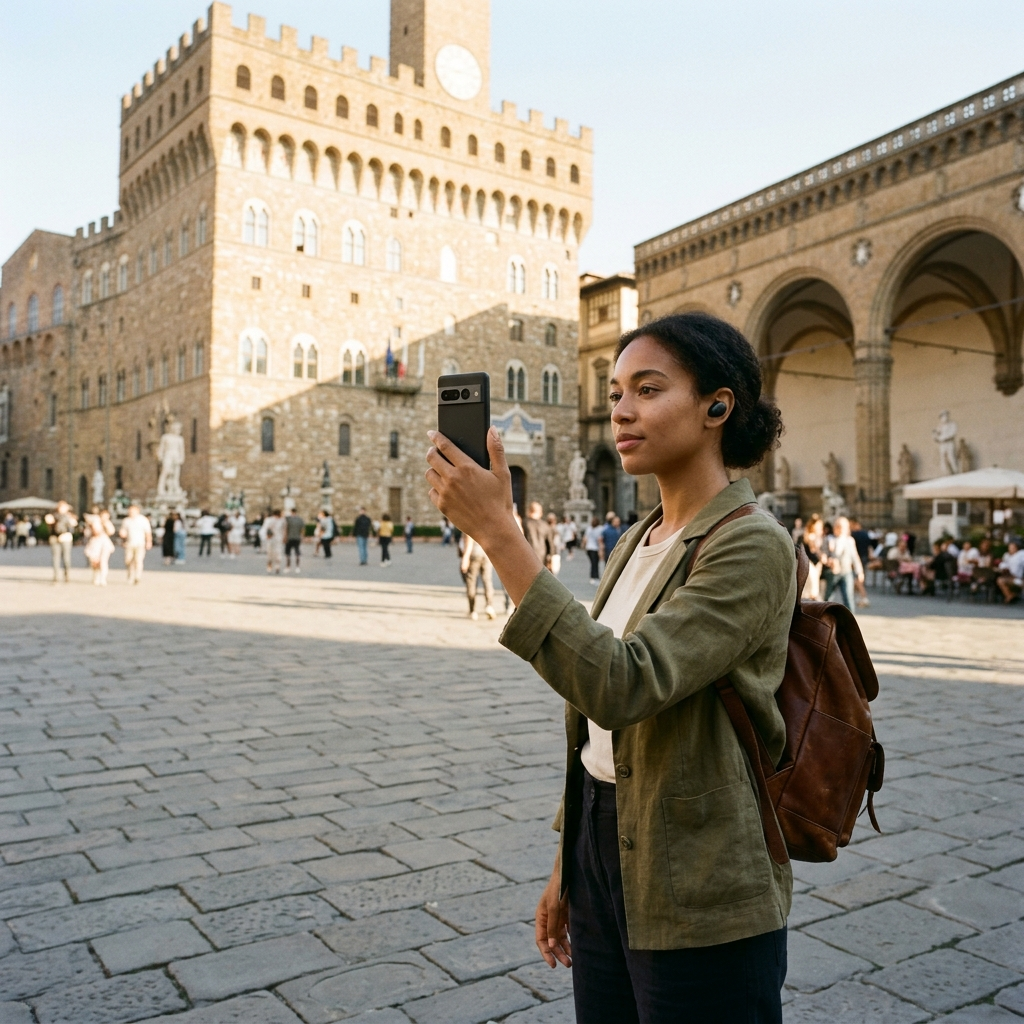
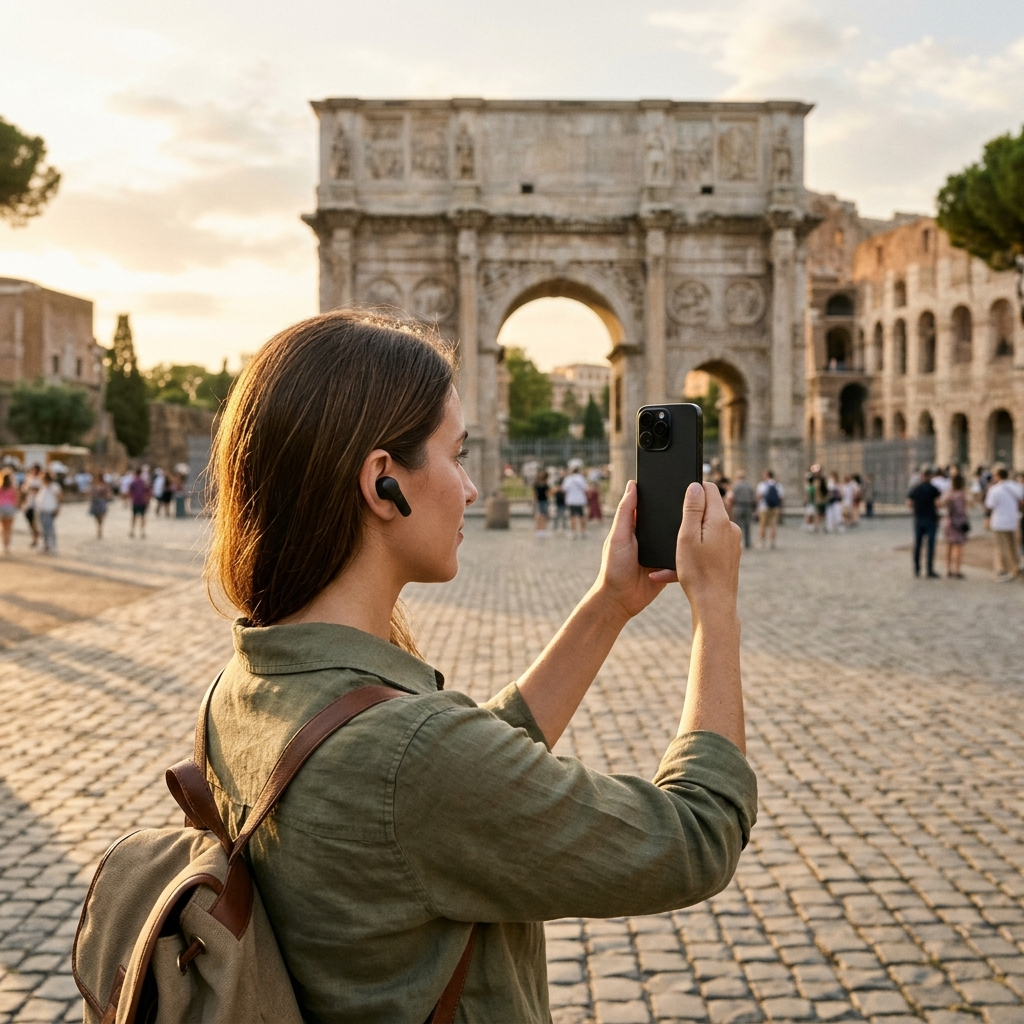
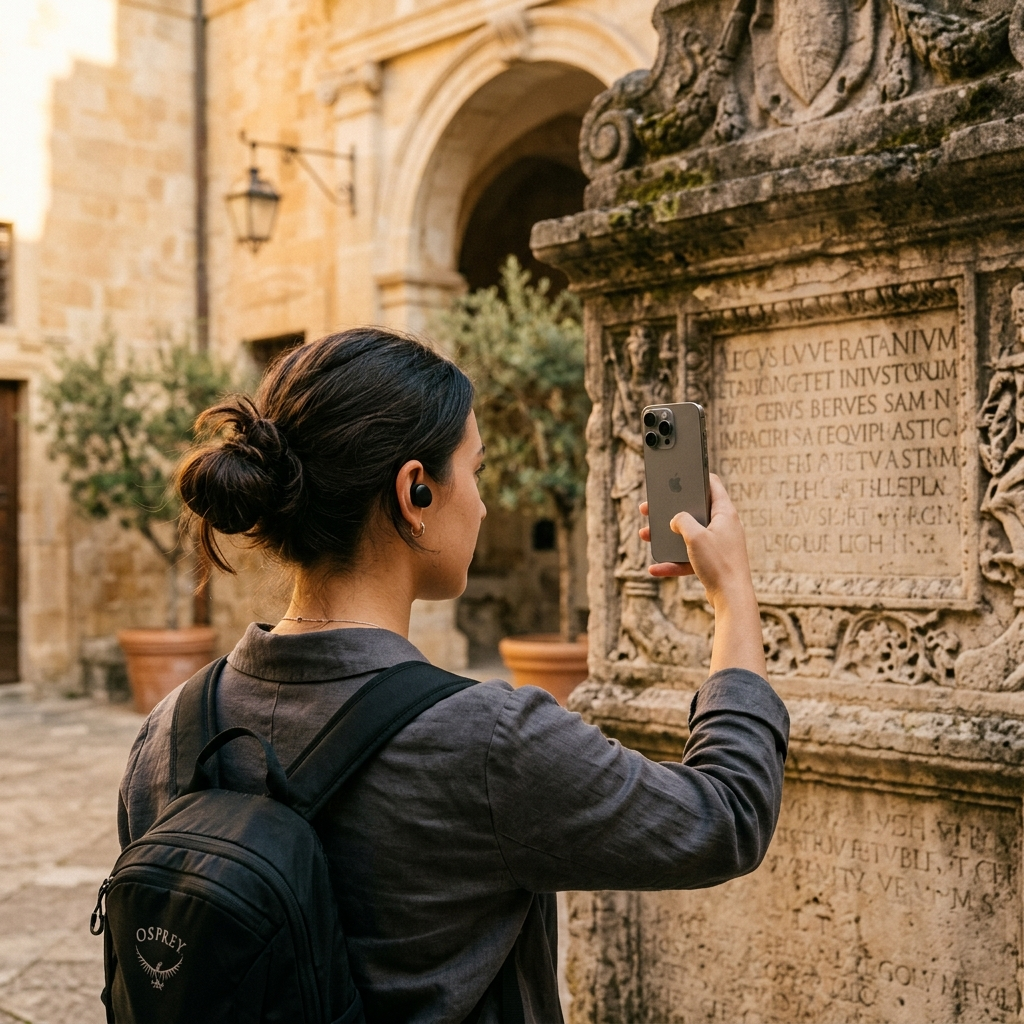
The visual explanation workflow begins with the device camera. In apps like Aitour: AI Travel Guide, users take a photo of a building, monument, or historical artifact, or select a video from their gallery to recognize the landmark from its thumbnail.
Rather than analyzing the scene without context, the app's AI landmark scanner matches visual features from the image to points of interest in its catalog. This matching process accommodates variations in angles, lighting, and partial obstructions to identify the specific structure or site.
Key Takeaway: Visual identification bypasses language barriers by using image patterns rather than text queries to identify landmarks.
Step 2: Retrieving Structured Place Profiles
Once identification is confirmed, the app retrieves the corresponding point of interest (POI) profile from its catalog. This record contains curated data structured for mobile reading and navigation:
- Visual verification: Reference photographs that confirm the match.
- Curated descriptions: Structured summaries covering historical significance, architectural style, and cultural background.
- Proximity metrics: Distance calculations relative to the user's current location.
- Navigation coordinates: Direct map markers that help travelers orient themselves relative to surrounding points of interest.
By connecting image recognition to structured profiles, the app ensures explanations remain grounded in verified context.
Key Takeaway: Image recognition connects physical monuments directly to reference data in the app's catalog.
Step 3: Text-to-Speech Narration and Voice Tours
Reading long paragraphs on a mobile screen while walking through bright outdoor spaces causes eye strain and distracts from the surroundings. Smart travel tools resolve this through integrated text-to-speech engines that read written profiles aloud.
In Aitour, travelers can listen to place descriptions or start hands-free, voice-guided walking tours powered by AI. The system vocalizes descriptive text, allowing users to focus on the sights while navigating historic districts.
Key Takeaway: Text-to-speech audio narration delivers hands-free access to site descriptions during walking tours.
Step 4: Interactive Inquiries Through Generative Assistants
Static signs and printed guides cannot answer follow-up questions. Modern travel apps address this with conversational features, such as Aitour's Ask AI tool.
When viewing a place page, travelers can submit questions directly about that landmark. The assistant references the site's profile data to answer questions about construction timelines, historical figures, or architectural details without requiring separate web searches.
Key Takeaway: In-app AI assistants answer specific questions about individual landmarks on demand.
Best Practices for Using AI Landmark Scanners in the Field
To ensure reliable recognition and smooth audio playback during walking tours, follow these practical steps:
- Frame distinct architectural elements: When scanning a monument, center unique facades, spires, or sculptural details rather than plain walls.
- Scan from video when moving: If you cannot stop for a still photo, select a video from your gallery to let the app recognize the landmark from the thumbnail.
- Organize discoveries into custom trips: Save identified places to named trips and reorder destinations using drag-and-drop tools to build logical walking itineraries.
- Prepare for areas with limited service: Choose an app with offline support so saved place details and descriptions remain accessible without mobile data.
Conclusion: Cultural Context on Demand
Smart tourism tools replace bulky guidebooks with immediate, multimodal context. By pairing camera-based recognition with rich profiles, audio narration, and interactive question-answering, apps like Aitour help travelers learn about landmarks on their own schedule.
Frequently Asked Questions
The app uses AI recognition to match visual patterns in the photo against an indexed catalog of points of interest.
Yes. Apps like Aitour allow users to select a video from their device gallery and recognize the landmark directly from the thumbnail.
Apps with offline support let travelers access saved places, descriptions, and catalog information without active cellular data.
Voice-guided tours use text-to-speech to read site descriptions aloud, enabling hands-free exploration so travelers can keep their eyes on the sights.