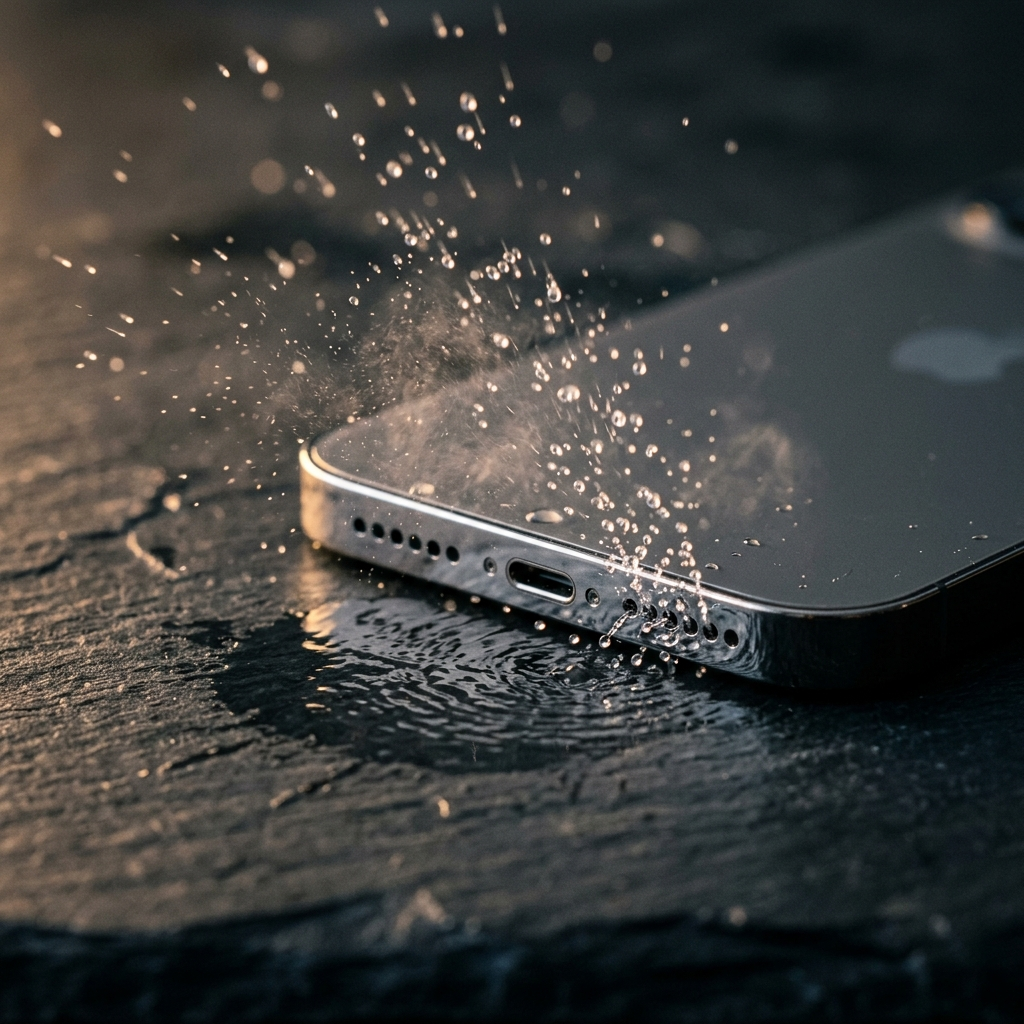
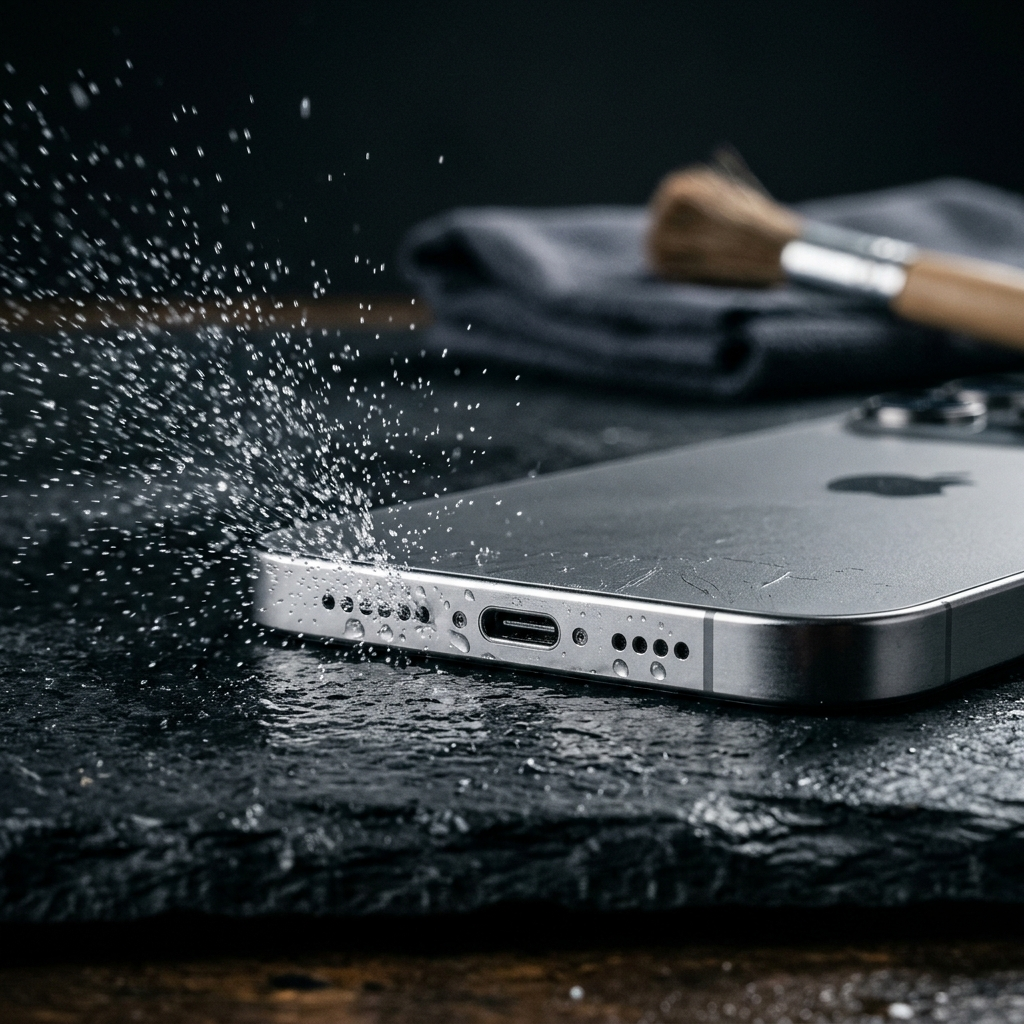
How to Clean Phone Speaker Grilles Safely Without Damaging Components

To safely clean a smartphone speaker grille, use an ESD-safe soft nylon brush held at a 45-degree downward angle alongside electronics-grade cleaning putty. Avoid sharp metallic tools, liquid solvents, and compressed air, which can puncture acoustic membranes and compromise water-resistant seals.
The Vulnerability of Modern Acoustic Enclosures
Smartphone speaker assemblies balance ingress protection with acoustic performance. Beneath the exterior grille lies a fine acoustic mesh, often paired with an expanded polytetrafluoroethylene (ePTFE) semi-permeable membrane. This barrier excludes moisture while permitting the airflow necessary for sound reproduction.
Pocket lint, skin oils, and particulate matter can clog these perforations, causing muffled or distorted audio. Using needles or canned air risks tearing the acoustic suspension, misaligning voice coils, and breaching factory IP68 ingress protection.
- Acoustic Mesh: Filters particulates larger than 50 microns.
- Waterproofing Membrane: Repels fluids through surface tension but tears under direct mechanical force.
- Speaker Diaphragm: A thin polymer film susceptible to deformation or rupture from sudden pressure changes.
Approved Mechanical Tools and Techniques
Safe physical cleaning requires implements softer than the surrounding housing. Standard household toothbrushes have coarse bristles that can abrade coatings or force debris further into the enclosure.
Use an anti-static (ESD) detailing brush with soft nylon bristles. Hold the device upside down so dislodged particles fall away from the opening. Gently sweep across the grille using light, outward flicking motions without applying downward pressure.
For compacted debris, use electronics-grade cleaning putty rather than adhesive tape. Press the putty lightly against the exterior surface and lift straight up. The compound adheres to surface debris without leaving adhesive residue in the perforations.
- Orientation: Direct the speaker downward while brushing to let gravity assist particulate removal.
- Bristle Stiffness: Use soft or extra-soft synthetic filaments to avoid puncturing the underlying mesh.
- Technique: Rely on bristle contact and surface adhesion rather than compressive force.
Why Compressed Air and Liquids Pose Serious Risks
Canned air delivers pressure between 60 and 90 PSI. Discharging this concentrated stream into an acoustic port exerts excessive pneumatic force against a diaphragm engineered for fractional PSI loads, risking permanent distortion or component failure.
Additionally, tilting or shaking aerosol cans can discharge liquid fluorocarbon propellant. This rapid cooling can cause thermal shock, cracking ceramic piezo elements or embrittling the diaphragm polymer.
Liquid solvents introduce similar risks. Capillary action draws liquids through the mesh into internal cavities, where solvents dissolve the pressure-sensitive adhesives securing the speaker enclosure and acoustic gaskets.
- Pneumatic Stress: High-pressure gas can rupture speaker cones and dislodge gaskets.
- Thermal Shock: Escaping propellant can freeze and crack delicate internal components.
- Solvent Migration: Liquid cleaners break down structural and acoustic adhesives.
Step-by-Step Speaker Decontamination Protocol
A systematic cleaning routine clears blockages while protecting internal hardware.
- Isolate and Inspect: Power off the device. Inspect the grille under direct raking light with magnification to determine whether the obstruction is dry lint, compacted grime, or dried residue.
- Surface Dry Brushing: Invert the device so the ports face downward. Angle an ESD brush at 45 degrees and make light, outward sweeping strokes across the grille.
- Adhesive Extraction: Warm a small piece of electronics putty by kneading it, press it lightly against the grille for two seconds, and peel it straight off.
- Perimeter Detailing: Lightly dampen a lint-free microfiber cloth with water (do not apply moisture directly to the device) and wipe away residual oils around the bezel.
Using Acoustic Expulsion for Deep Obstructions
Mechanical tools only clear surface debris from the outer grille. When microscopic particles or moisture pass beyond the outer barrier, invasive tools cannot safely reach them.
In these cases, acoustic expulsion provides a non-invasive alternative. Playing low-frequency tones causes the air inside the chamber to oscillate, generating cyclic pressure variations that push trapped moisture and loose particles outward through the membrane.
If mechanical cleaning does not restore audio clarity, run a tone generator or speaker-cleaning utility that cycles through low-frequency sweeps (typically around 165 Hz) to clear residual moisture and dislodged particles.
Frequently Asked Questions
No. The pressure from canned air exceeds the structural tolerance of the speaker membrane and acoustic mesh, risking diaphragm tears and propellant-induced thermal damage.
Direct application is unsafe. Capillary action can draw liquid alcohol through the mesh into internal cavities, where it dissolves the adhesives that seal the speaker enclosure.
A gentle dry brushing every three to four weeks prevents pocket lint and oils from compacting, reducing the need for deeper intervention.