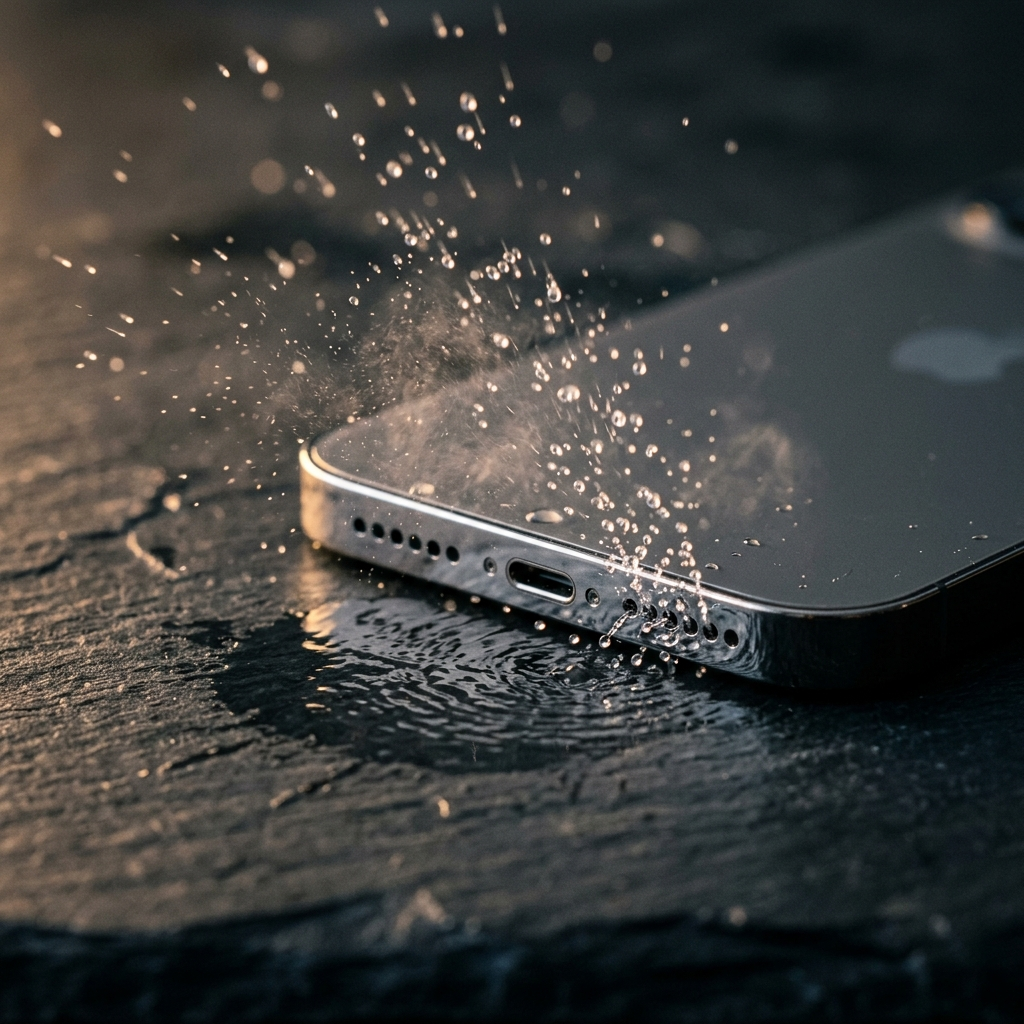
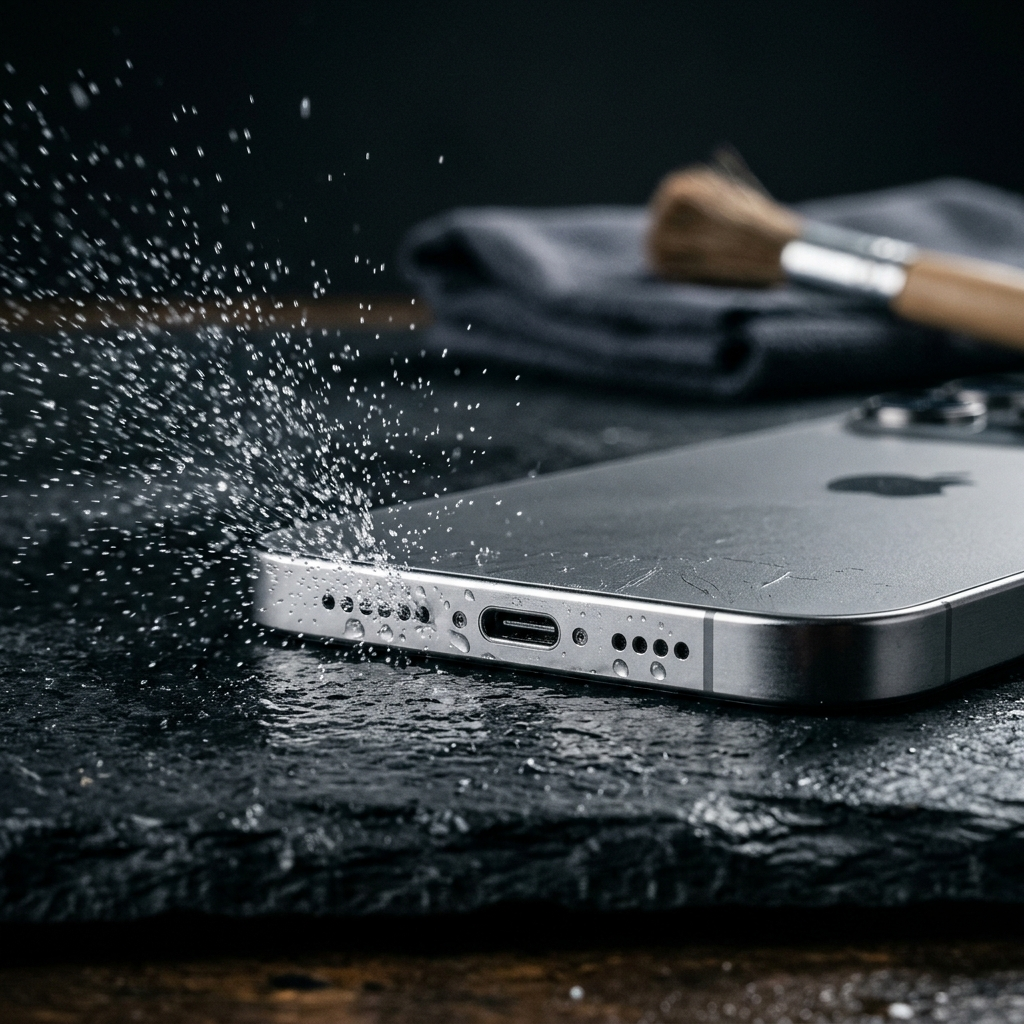
How to Clean Deep Dirt from Phone Speaker Grilles at Home

To clear compacted dirt from a phone speaker grille at home, combine gentle dry surface cleaning with acoustic vibration. Use a soft-bristled brush angled across the port to loosen surface debris, then use low-frequency sound waves around 165 Hz from an app like Speaker Cleaner: Water Eject to vibrate dislodged dust outward from the mesh.
The Mechanics of Speaker Clogging and Sound Degradation
Smartphone speaker assemblies rely on fine mesh barriers to protect internal acoustic chambers from dust and debris. Over time, lint, skin oils, and airborne particles accumulate across these openings. When mixed with environmental humidity, this debris can harden into a barrier across the acoustic fabric.
A blocked grille impedes sound waves, causing reduced volume, muffled voice audio on calls, and distortion at higher volume levels. Restoring clarity requires dislodging the compacted debris without forcing particles further into the device.
Common signs of clogged speaker grilles include:
- Reduced playback volume at standard system settings
- Muffled or crackling sound during audio playback
- Visible dust or gray buildup in the speaker port perforations
Safe vs. Risky Home Cleaning Methods
Certain household cleaning practices can permanently damage mobile hardware. Rigid metal items such as pins, needles, or paperclips can puncture the protective mesh, tear the speaker diaphragm, and compromise moisture seals. Once torn, debris can enter the internal driver assembly directly.
Compressed air cans also present hazards. Unregulated pressure can drive dirt deeper into the speaker housing or damage delicate internal membranes, while cold propellant discharge can damage sensitive components. Safe maintenance focuses on non-invasive tools that lift debris outward.
Key safety guidelines for speaker maintenance:
- Avoid: Needles, pins, rigid toothpicks, high-pressure canned air, and liquid cleaners applied directly to the grille.
- Adopt: Soft-bristled nylon brushes, electronics cleaning putty, and low-frequency acoustic vibration.
- Precaution: Never insert rigid tools perpendicularly into speaker openings, as the protective barrier sits just below the surface.
Step-by-Step Protocol to Dislodge Compacted Debris
Follow these sequential steps to safely clean clogged speaker ports without damaging internal components.
Step 1: Dry Surface Agitation
Power off the device to prevent accidental screen inputs. Tilt the phone so the speaker port faces downward, allowing dislodged particles to fall freely. Use a clean, dry, soft-bristled brush—such as an extra-soft toothbrush or detailing brush—and gently sweep across the grille openings at a 45-degree angle. Avoid pressing bristles straight into the holes.
Step 2: Adhesive Transfer
Gently press a small piece of low-tack electronics cleaning putty flat against the speaker grille. Allow it to conform to the surface contour without forcing it deep into the openings. Lift the putty cleanly away in one motion to remove loosened surface lint and dust.
Step 3: Acoustic Ejection
Power the phone back on and open Speaker Cleaner: Water Eject. The app plays specific, loud, low-frequency sound waves around 165 Hz designed to vibrate trapped dust and moisture outward through the grille.
- Set the phone media volume to maximum.
- Hold the phone with the speaker grille facing downward over a clean surface.
- Start the cleaning cycle in the app and allow it to finish.
- Check the port under good lighting and run an additional cycle if dust remains visible.
Summary: Pairing directional brushing with low-frequency acoustic tones addresses both outer debris and loosened dust lodged in the mesh openings.
How Low-Frequency Acoustic Vibration Cleans Ports
Sound travels through air via pressure waves. While high-frequency sounds generate rapid, small air displacements, low-frequency tones around 165 Hz cause greater physical movement of the speaker driver.
When played at full volume through Speaker Cleaner: Water Eject, these specific low-frequency tones create localized air pressure pulses. This physical vibration loosens particles clinging to the mesh and helps push them outward through the port openings, allowing debris loosened by manual brushing to fall free.
Advantages of using acoustic vibration include:
- Directs acoustic pressure outward, moving debris away from internal components.
- Assists in dislodging both dry particles and residual moisture droplets.
- Operates entirely non-invasively, eliminating the risk of scratching or puncturing the speaker membrane.
Long-Term Prevention and Maintenance Habits
Consistent care reduces debris buildup and minimizes the need for deeper cleaning. Lint from pockets, bags, and vehicle compartments is a frequent source of speaker contamination. Placing your phone in clean, dedicated pockets or compartments helps limit exposure to dust and lint.
Inspect your speaker ports periodically. Checking the openings under direct light helps you catch surface buildup before it compacts. Using Speaker Cleaner: Water Eject periodically helps keep acoustic pathways clear and preserves audio clarity.
Recommended habits for speaker upkeep:
- Store the phone with speaker ports facing upward when placing it in pockets or bags.
- Wipe the outer speaker area weekly with a dry microfiber cloth to remove surface oils.
- Run an acoustic tone cycle after using the device in dusty or humid settings.
By combining gentle surface brushing with acoustic vibration cycles, you can maintain clear audio playback while protecting your phone's built-in dust and water barriers.