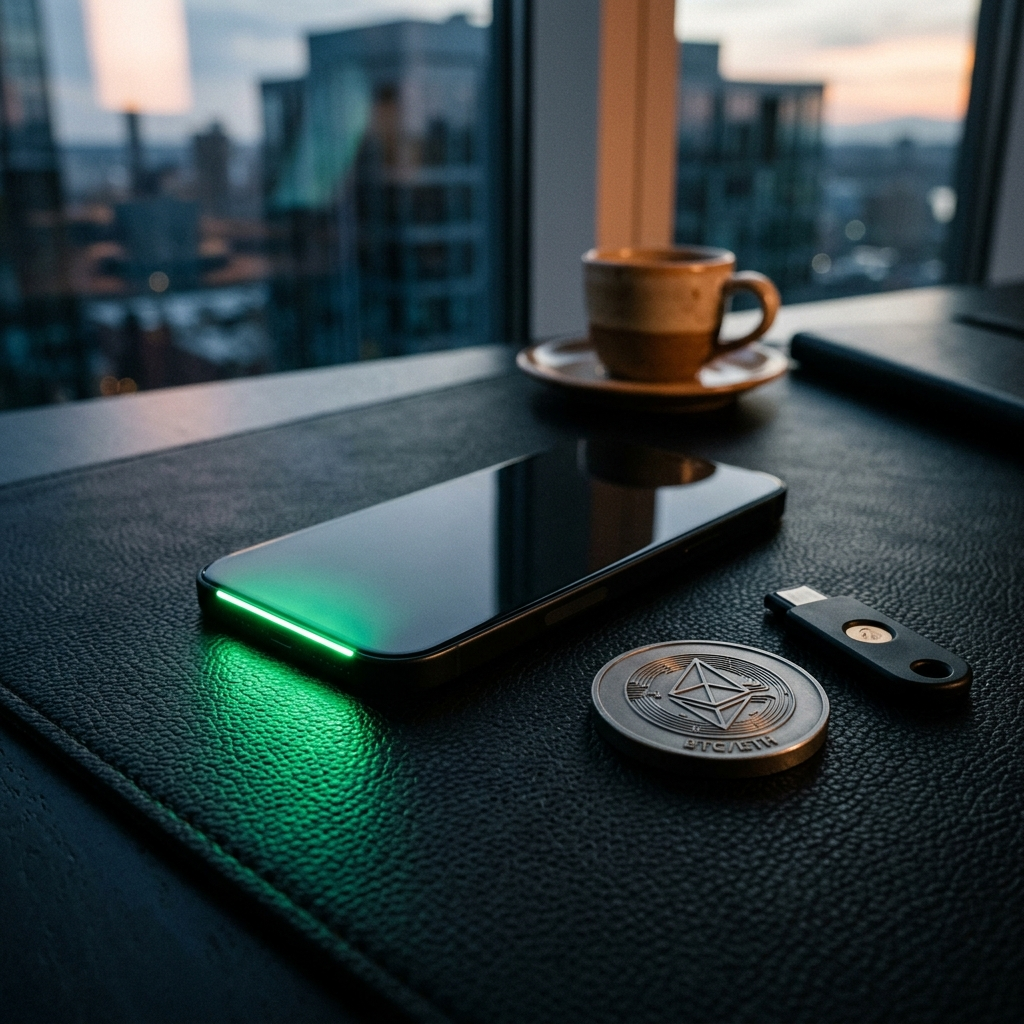
Best Crypto Tracking Apps for iPhone in 2026

Selecting the best crypto tracking app for iPhone in 2026 requires balancing real-time data latency, security architecture, multi-chain protocol support, and tax reporting integration. Institutional and retail investors require tools that connect securely to decentralized wallets and centralized exchanges without compromising private keys or operational privacy.
The Evolving Landscape of iOS Portfolio Management
Managing digital assets across multiple blockchains and exchanges introduces significant operational friction. Investors frequently trade across Layer-1 networks, Layer-2 rollup solutions, and centralized order books, making centralized visibility essential for cost-basis tracking and risk management.
Mobile portfolio trackers act as data aggregators, converting fragmented on-chain transactions and exchange execution logs into unified metrics. In 2026, the baseline expectation for an iOS tracker extends beyond simple spot price updates to encompass real-time staking yield calculations, liquidity pool impermanent loss estimation, and automated tax reporting categorization.
Key Takeaway: A modern portfolio tracker must provide single-dashboard clarity across decentralized and centralized venues while protecting user privacy.
Critical Selection Criteria for iPhone Crypto Trackers
Evaluating iOS crypto tracking software involves strict architectural metrics. Not all tracking applications process data using the same security models or update frequencies.
1. Security and API Key Management
Security is the primary consideration when granting third-party software access to financial records. Reliable tracking applications request read-only API access for exchange integrations. They never request transfer, withdrawal, or trading permissions.
- Secure Enclave Storage: API secrets and local caching must be stored inside the native iOS Secure Enclave using AES-256 encryption.
- Zero-Knowledge Architecture: Leading applications structure user data so portfolio balances remain encrypted on-device rather than stored on central developer servers.
- No Private Key Requirements: Non-custodial wallet tracking should strictly require public wallet addresses or ENS domains, never seed phrases.
2. Data Synchronization Latency and WebSockets
Market volatility demands real-time data ingestion. Trackers relying on periodic REST API polling often lag behind market execution prices during high-volume events.
- WebSocket Integration: Top-tier iOS applications maintain persistent WebSocket connections with primary liquidity venues to deliver sub-second price updates.
- On-Chain Indexing: Direct RPC node querying ensures decentralized finance (DeFi) positions reflect block updates immediately.
Key Takeaway: Prioritize applications that support read-only exchange integrations, Secure Enclave encryption, and direct WebSocket pricing feeds.
Top Categories of Crypto Tracking Apps in 2026
Different investor profiles require specialized features. Evaluating apps by primary specialization ensures the tool aligns with your transaction volume and asset complexity.
DeFi and Multi-Chain Aggregators
DeFi-focused trackers specialize in parsing complex smart contract interactions. These applications index yield farming vaults, collateralized debt positions (CDPs), and cross-chain bridge states. They automatically resolve liquidity provider (LP) token balances into their underlying constituent assets.
Centralized Exchange (CEX) Aggregators
Traders operating across multiple centralized exchanges need applications capable of handling rapid API updates, fee accounting, and margin account metrics. These trackers focus on clear visual breakdowns of spot, futures, and options balances.
Privacy-Centric Local Trackers
Privacy-focused applications minimize external network calls. They store all transaction histories locally on your iPhone, utilizing public block explorers only when refreshed manually by the user.
Key Takeaway: Select a tracker based on your primary activity—DeFi smart contract interaction, active CEX trading, or long-term cold storage monitoring.
Step-by-Step Setup Checklist for Secure iOS Crypto Tracking
Follow this checklist when installing and configuring a new tracking application on your iPhone to maintain maximum data hygiene and operational security.
- Audit API Permissions: When generating API keys on exchanges like Coinbase, Binance, or Kraken, strictly verify that only 'Read' or 'View' checkboxes are selected. Explicitly disable 'Enable Withdrawals' and 'Enable Trading'.
- Restrict IP Addresses: Where supported by the exchange, bind read-only API keys to specific static proxy IP ranges provided by the tracking service.
- Enable Local Authentication: Configure mandatory Face ID or Touch ID authentication within the app settings to protect visibility if your device is unlocked.
- Audit iOS System Permissions: Limit app background permissions. Disable location services and cross-app tracking permissions in your iPhone Settings menu.
- Verify Contract Calculations: Manually compare a sample set of on-chain liquidity pool balances against the app dashboard to confirm proper valuation of synthetic or derivative tokens.
Key Takeaway: Systematic security verification during setup prevents unauthorized data exposure and ensures accurate tracking precision.
Addressing Privacy Risks in Mobile Data Aggregation
Free tracking applications often monetize by anonymizing and selling aggregate user telemetry, order flow data, or portfolio concentration metrics to institutional market makers. This practice presents privacy risks for high-net-worth investors.
When evaluating tracking software, review the developer's Privacy Policy for explicit disclosures regarding data telemetry. Prefer services operating on transparent subscription models over ad-supported or completely free platforms, as paid models align developer incentives directly with user data protection.
Key Takeaway: Verify the monetization model of your tracking app to ensure user portfolio metrics are not commercialized.
Conclusion
Choosing the best crypto tracking app for iPhone in 2026 requires prioritizing robust API security, sub-second pricing latency, and comprehensive multi-chain indexing. By opting for read-only credentials, local Secure Enclave storage, and clear privacy policies, mobile investors can maintain precise oversight of complex digital asset portfolios across centralized and decentralized ecosystems. Solutions like CryptoPulse demonstrate how modern iOS applications can deliver clear portfolio optics while adhering to strict mobile security standards.
Frequently Asked Questions
Yes, provided you explicitly disable withdrawal permissions when creating the API key on your exchange. Read-only keys limit app access strictly to viewing balances and transaction history.
Price delays typically occur when apps rely on low-frequency API polling or aggregated third-party data feeds rather than direct WebSocket connections to major liquidity venues.
Automated sync is ideal for active traders with high transaction volume. Manual entry is preferable for long-term holders focused on maximum privacy and zero API exposure.
Recent iOS memory protections and granular background fetch permissions force modern tracking apps to isolate sensitive API storage strictly within the device Secure Enclave.