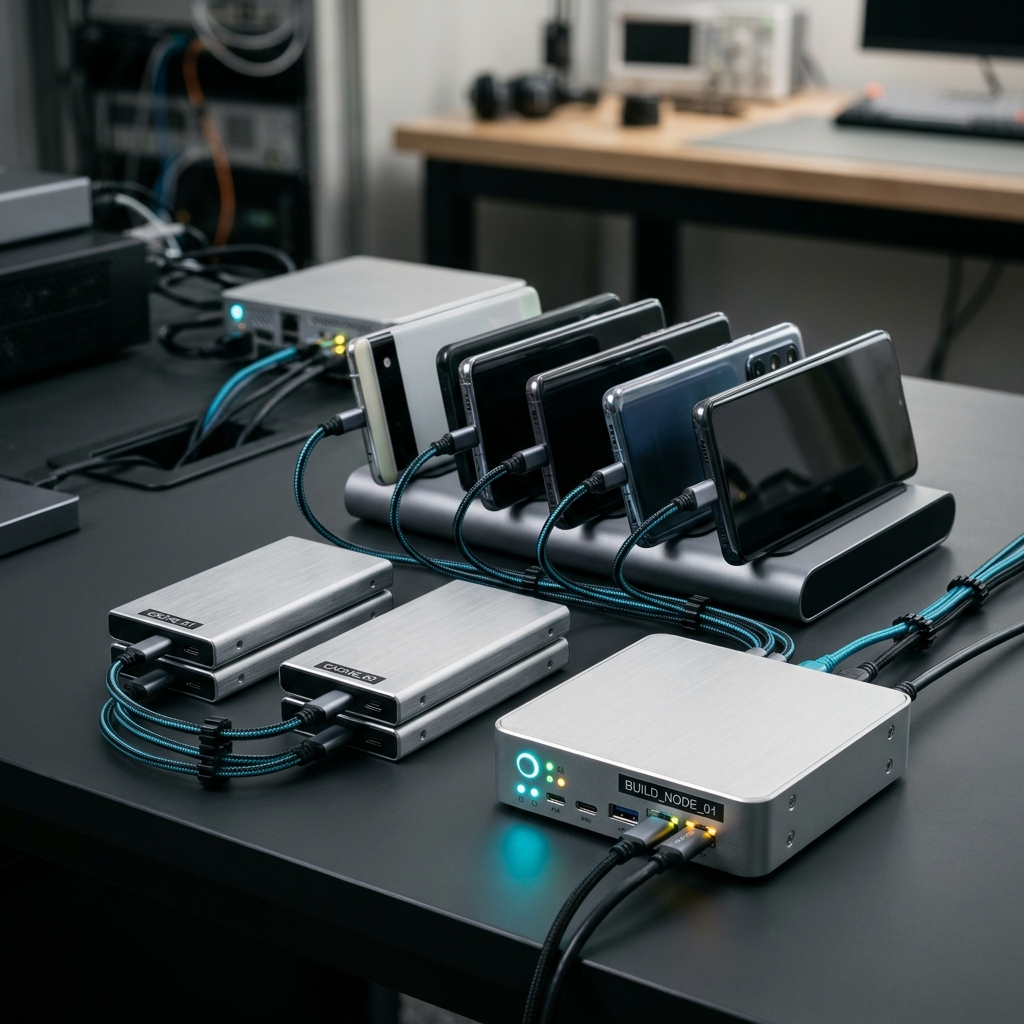
How to Monitor CI/CD Pipelines from Your Phone in 2026

To monitor CI/CD pipelines from your phone in 2026, connect your mobile repository workflows to a dedicated mobile management tool like the Codemagic: Build Monitor app. This setup enables real-time push alerts for build results, immediate access to runtime logs and artifacts, and the ability to trigger or cancel automation runs on the fly without sitting at a workstation.
The Desk Tether: Why Mobile Pipeline Visibility Matters
Picture this classic routine: it is Friday afternoon, and you have just pushed a release candidate branch for your Flutter, iOS, or Android project. You close your laptop lid, step out to grab a sandwich or commute home, and spend the next forty-five minutes gripped by mild developer paranoia. Did the unit test suite complete cleanly? Did the signing certificate resolve? Or is the build queue silently choking on a stale cache?
Historically, stepping away from your desk during a deployment meant choosing between total ignorance or awkwardly pinch-zooming into web dashboards on a cramped browser tab. When desktop workstations remain your only reliable window into continuous integration, your physical freedom evaporates. In 2026, mobile app release cycles move too quickly for desktop-locked supervision. Having direct visibility into build queues, build logs, and environment variables on your pocket device transforms deployment anxiety into quiet confidence.
Takeaway: Relying exclusively on workstation dashboards causes needless friction, whereas dedicated mobile monitoring frees you to step away without losing operational oversight.
Setting Up Real-Time Pipeline Monitoring in Codemagic
Modern continuous integration setups require frictionless handshakes between code repositories and build triggers. Getting your pipelines monitored on your handheld device does not require complex remote-desktop gymnastics when using a purpose-built client.
- Integrate Your Version Control: Connect your repository provider to establish the underlying webhook links with Codemagic.
- Configure Build Environments and Variables: Verify that necessary signing profiles, tokens, and target platform variables (iOS, Android, Flutter) are declared in your workflow configuration.
- Authenticate the Codemagic: Build Monitor App: Sign in to the app on your mobile device to populate your organization's active projects, team environments, and past pipelines.
- Turn on Push Notifications: Permit instant alerts so failed compilations, test breaks, or successful delivery tasks reach your lock screen immediately.
Takeaway: A deliberate initial setup connecting version control, environment variables, and notifications lays the foundation for effortless monitoring anywhere.
Triaging Build Statuses, Logs, and Artifacts on the Fly
A green checkmark or a red 'X' on a push notification tells you that something happened, but resolving problems requires immediate context. When a build fails while you are in transit, guessing which test case or asset bundle broke the pipeline wastes valuable time.
Using Codemagic: Build Monitor, you can pull up active and queued builds to observe status changes as they progress through testing, packaging, and distribution stages. If a runner fails unexpectedly:
- Inspect Runtime Logs: Open the failing step directly in the app interface to locate stack traces, syntax errors, or dependency resolution mismatches.
- Audit Build Artifacts: Check the generated binaries and diagnostic files to verify if asset bundles and packaging steps succeeded prior to deployment.
- Review Build History: Compare the failing run with previous successful builds to determine if the culprit is a recent commit, variable change, or configuration drift.
Takeaway: Quick access to build logs and generated artifacts on your phone turns mobile triage from an emergency scramble into an orderly inspection.
Managing Pipeline Execution: Actions You Can Take from Your Phone
True DevOps management involves more than passive observation. When an urgent fix lands or an errant commit clogs your compute minutes, waiting until you return to a desk is counterproductive.
With mobile DevOps control, you can take decisive actions directly from the app interface:
- Trigger Automation Runs: Start scheduled or ad-hoc builds on specific branches when testing critical release patches.
- Cancel Stalled Builds: Terminate frozen or looping steps to conserve build minutes and clear the queue for waiting teammates.
- Adjust Settings and Variables: Update runtime flags and workflow environment variables without having to open a laptop.
- Manage Automation Targets: Coordinate automated testing and distribution steps across mobile operating systems seamlessly.
Takeaway: Having execution controls right on your phone ensures you can cancel, trigger, and tune builds the moment an issue arises.
Collaboration, Governance, and Permissions on the Move
Mobile CI/CD is rarely a solo sport. Larger engineering teams rely on distinct duties between platform specialists, QA engineers, and release managers. Misconfigured access or uncoordinated deployments can quickly disrupt an entire release cycle.
Maintaining governance while working remotely means ensuring appropriate team members have the exact authority they need:
- Team Roles and Permissions: Review and manage team member access directly to preserve repository and configuration integrity.
- Cross-Platform Visibility: Keep iOS, Android, and Flutter developers aligned around shared build timelines and metrics.
- Audit Trails: Monitor historical build metrics to detect recurring pipeline slowdowns or team-wide workflow bottlenecks over time.
Takeaway: Mobile oversight preserves team security and operational governance, keeping everyone aligned regardless of physical location.
Your Mobile CI/CD Readiness Checklist
Before relying on your smartphone as a frontline deployment monitor, verify that your projects are structured for frictionless handheld oversight:
- Notification Rules Configured: Ensure alerts are prioritized for build failures, cancellations, and completed release deployments.
- Environment Variables Documented: Keep production and staging variables organized so adjustments made from the phone remain clear and error-free.
- Permissions Audited: Double-check that release engineers and developers have appropriate roles within the app.
- Artifact Access Verified: Confirm that output binaries and diagnostic files are stored properly for immediate retrieval during remote triage.
Embracing mobile workflow management lets you reclaim your time while keeping builds, logs, and deployments firmly under control. Download Codemagic: Build Monitor to transform how you track, manage, and optimize your app pipelines wherever you are.
Frequently Asked Questions
Yes. The Codemagic: Build Monitor app allows developers to inspect detailed build logs and generated artifacts directly on their mobile devices to identify errors without a desktop workstation.
The app is designed for mobile app developers and DevOps teams working across Flutter, iOS, and Android continuous integration and delivery pipelines.
Yes. In addition to monitoring pipeline statuses, users can configure settings, update workflow variables, and manage team roles directly through the app interface.