Best Mobile CI/CD Tools for iOS and Android in 2026
Choosing the best mobile CI/CD tools for iOS and Android in 2026 comes down to how efficiently your pipeline automates builds, manages signing certificates, runs automated tests, and delivers fast feedback to your team. While general continuous integration engines handle server-side software well, dedicated mobile CI/CD platforms deliver specialized macOS build runners, streamlined app store deployments, and dedicated mobile monitoring tools that keep shipping schedules on track.
The Reality of Mobile Pipelines: Why General CI Tools Fall Short
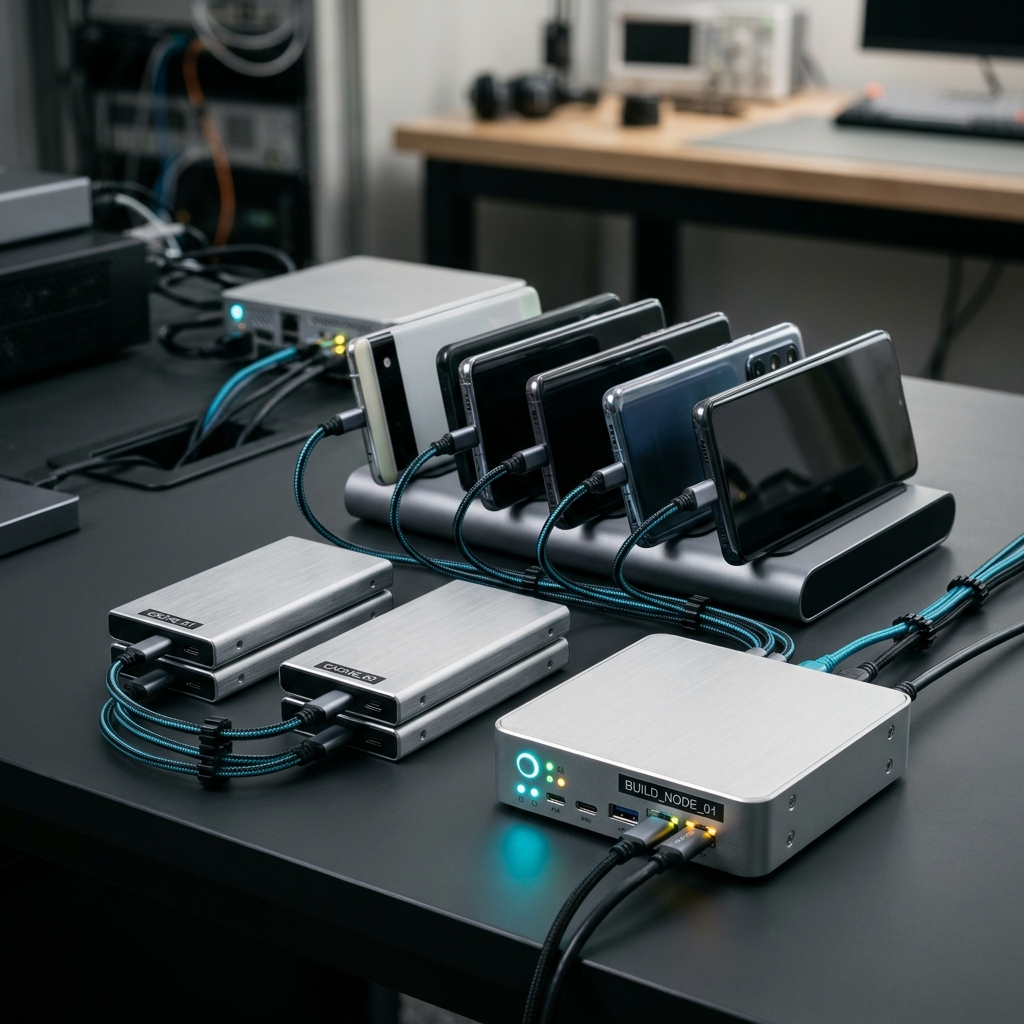
We have all lived through that late-afternoon release dread. You merge your final pull request, trigger a build, and close your laptop expecting everything to go smoothly. An hour later, an obscure provisioning profile error or an unhandled Gradle cache conflict breaks the run. Unlike web development where containers spin up in seconds on standard Linux boxes, mobile pipelines require platform-specific environments, dual operating system targets, and complex signing certificates.
Mobile delivery teams in 2026 face unique operational hurdles that standard devops setups rarely account for:
- Platform divergence: iOS builds demand dedicated macOS runners and Xcode toolchains, while Android relies on specific JDK and Android SDK matrix versions.
- Automated code signing: Provisioning profiles, developer certificates, and keystores need secure variable management so builds do not halt without warning.
- App store distribution requirements: Direct artifact handoffs to Apple TestFlight and Google Play internal testing tracks require continuous integration scripts tailored specifically for store compliance.
- Feedback lag: Lengthy compilation and testing cycles leave teams guessing unless real-time notifications and live log streaming flag build breaks instantly.
Takeaway: Mobile pipelines are fundamentally different from web CI; investing in mobile-focused build automation prevents friction and keeps release cycles predictable.
Top Mobile CI/CD Platforms for iOS and Android
Selecting the right engine depends on your stack, your existing repository host, and whether your developers manage native Swift/Kotlin or cross-platform codebases such as Flutter.
1. Codemagic
Codemagic stands out as a purpose-built mobile CI/CD powerhouse, engineered specifically for mobile ecosystems including Flutter, native iOS, and native Android. It automates testing and deployment workflows from start to finish without requiring hours of custom shell scripting for code signing. Paired with companion utilities like the Codemagic: Build Monitor mobile app, developers can monitor build status, inspect logs and artifacts, receive real-time notifications, configure variables, and manage team roles directly from their phones.
2. GitHub Actions with Dedicated Runners
GitHub Actions offers deep repository cohesion and a vast marketplace of community actions. For teams already hosting their code on GitHub, it provides a familiar workflow syntax. However, running heavy iOS pipelines can become costly on hosted macOS runners, and maintaining self-hosted Mac hardware adds operational overhead to developer teams.
3. Bitrise
Bitrise provides a modular workflow editor with hundreds of pre-configured steps designed for mobile teams. It excels at visual workflow creation and offers support for enterprise test matrices, though complex custom scripts can sometimes make pipeline debugging cumbersome.
4. Fastlane Combined with Self-Hosted CI
Many teams still leverage Fastlane scripts managed within continuous integration runners like GitLab CI or Jenkins. While it grants total flexibility and avoids vendor lock-in for deployment lanes, the burden of updating Xcode versions, maintaining dependencies, and managing local hardware falls entirely on your internal engineers.
Takeaway: Dedicated mobile platforms save setup time and reduce maintenance compared to generalized build systems or self-hosted hardware.
Mobile Visibility: Why Monitoring Builds on the Go Changes Everything
A pipeline is only as helpful as your awareness of it. If an automated test fails thirty seconds into a twenty-minute build and you only discover it hours later, your deployment velocity suffers. In 2026, continuous integration is no longer tied to sitting at a workstation desk.
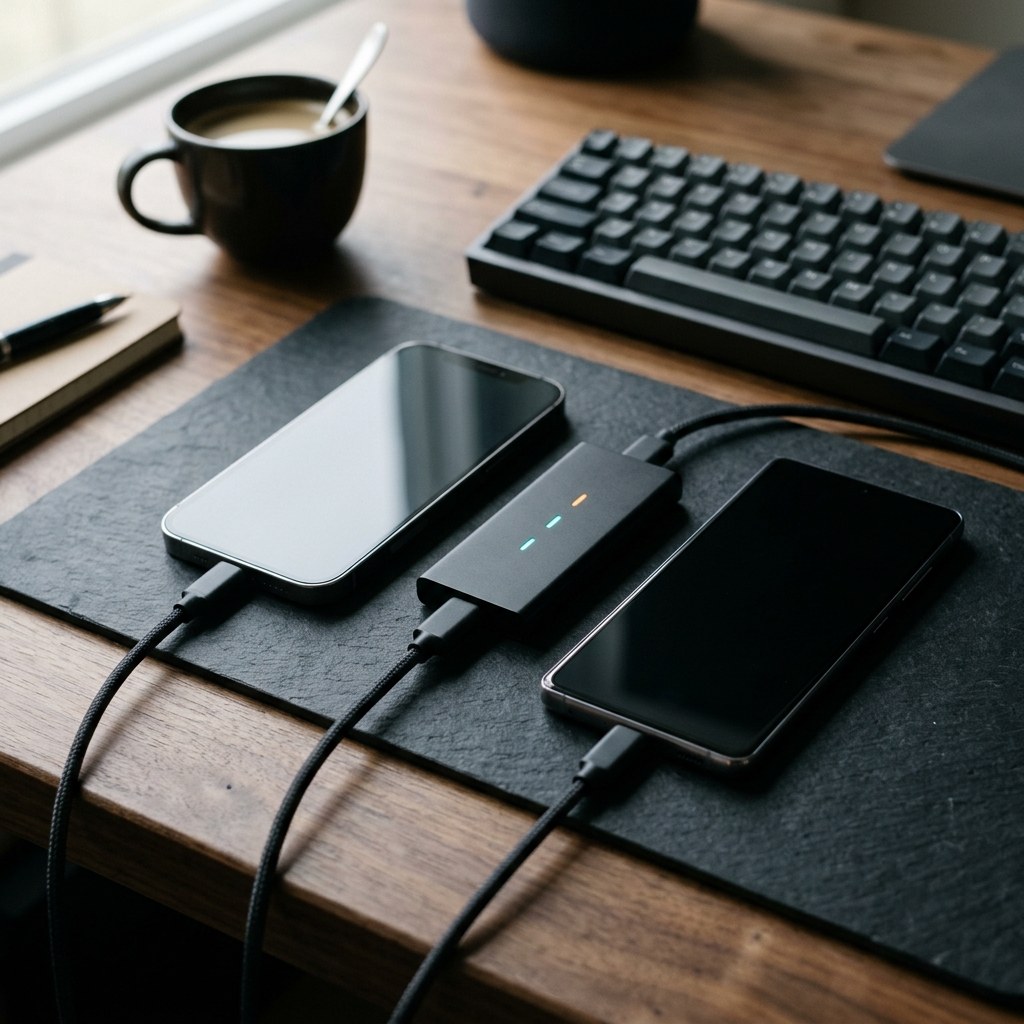
Dedicated mobile companions, such as the Codemagic: Build Monitor app, bridge the communication gap between remote teams and remote servers. By bringing build monitoring into an intuitive mobile interface, engineers and team leads can:
- Track build history and performance metrics: Observe trends in build duration, pass rates, and stability over time across branches.
- Receive real-time push alerts: Get pinged the moment an automated test fails, a build succeeds, or a pipeline requires attention.
- Access build logs and artifacts on the fly: Review detailed build logs to spot stack traces and access compiled release artifacts without opening a laptop.
- Configure variables and settings: Adjust runtime parameters and environment variables directly to unblock stuck builds.
- Manage team roles and access: Update permissions and coordinate releases across cross-functional engineering teams smoothly.
Takeaway: Mobile build monitoring closes the feedback loop, allowing teams to catch pipeline failures quickly and keep shipping cadence high.
A Practical Checklist for Modern Mobile Pipeline Success
Whether you are setting up your first continuous delivery workflow or modernizing an existing toolchain, follow this checklist to ensure stability and efficiency across your iOS and Android releases:
- Integrate with version control: Ensure your CI platform integrates directly with your repository manager to trigger builds on pull requests, main merges, and release tags.
- Automate your test suites: Split fast unit tests to run on pull requests and schedule heavier UI and integration tests for nightly runs or release branches.
- Centralize signing and keystores: Secure provisioning profiles and Google Play keystores in your pipeline configuration variables rather than checking them into repositories.
- Standardize artifact generation: Automatically generate both production-signed IPA and AAB files along with debug APKs for internal QA verification.
- Set up mobile alerts: Equip the team with real-time mobile notifications via dedicated monitoring apps so build status is always visible.
- Review pipeline metrics regularly: Track build duration and failure trends monthly to identify slow steps and reduce pipeline bottlenecks.
Takeaway: A structured, automated checklist turns chaotic release days into a routine background process.
Making the Right Choice for Your Engineering Team
Choosing the best mobile CI/CD tools for iOS and Android in 2026 means balancing configuration simplicity, runner performance, and everyday operational control. While generic CI runners can be adapted for mobile, dedicated mobile solutions minimize configuration headaches and eliminate build environment drift.
By pairing a dedicated mobile CI engine with responsive mobile management apps like Codemagic: Build Monitor, developers and DevOps teams working in Flutter, iOS, and Android can monitor pipelines, review logs, and deploy with confidence—wherever they happen to be.
Frequently Asked Questions
Mobile CI/CD requires platform-specific operating systems like macOS for Xcode compilation, rigorous automated signing processes with certificates and provisioning profiles, and direct integration with app store distribution portals like Apple TestFlight and Google Play.
Yes, dedicated companion apps like Codemagic: Build Monitor allow developers to monitor build status, inspect logs and artifacts, receive real-time notifications, configure settings, and manage team permissions directly from their mobile devices.
Developers and DevOps teams building applications with Flutter, native iOS (Swift/Objective-C), and native Android (Kotlin/Java) benefit significantly from mobile-first CI/CD tools due to built-in signing automation and tailored macOS and Linux runner environments.