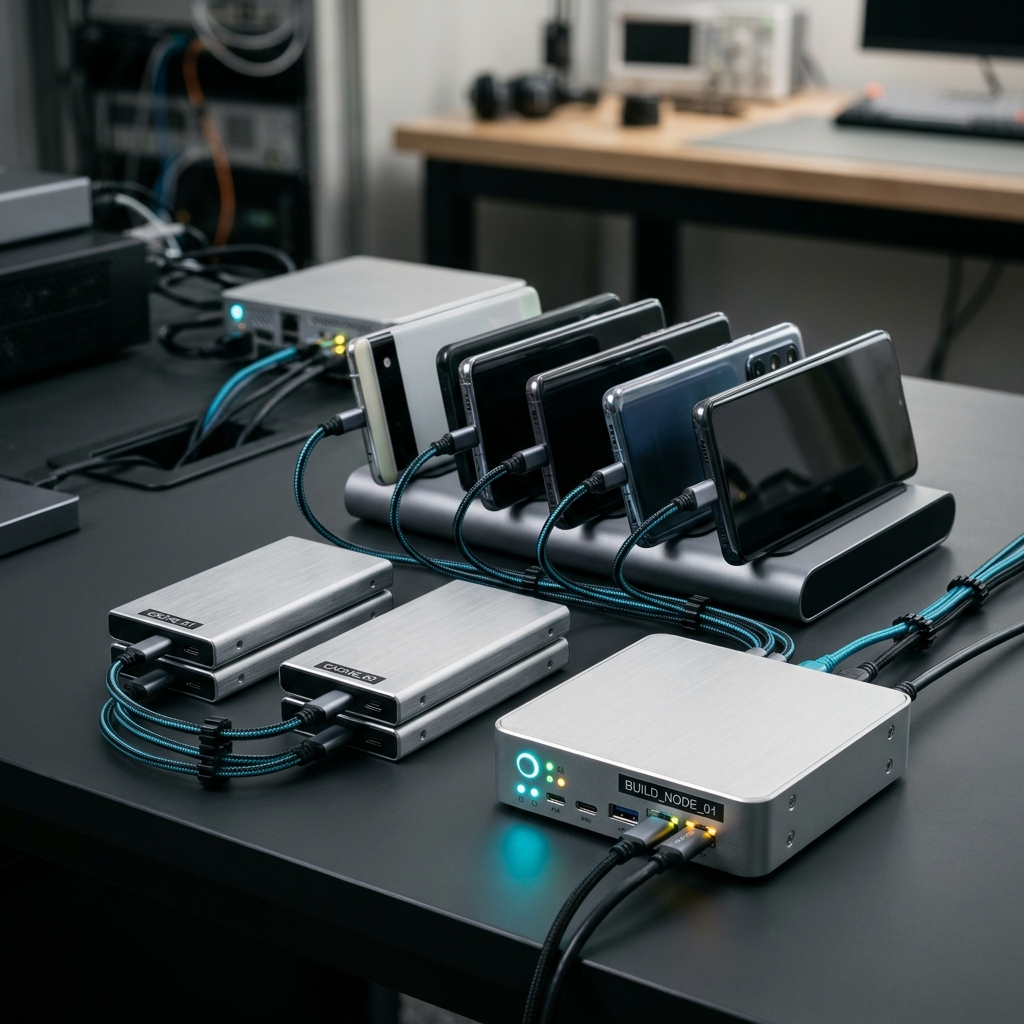
Best Bitrise Alternatives for Mobile DevOps Teams

When evaluating Bitrise alternatives for mobile DevOps teams, the top platforms include dedicated mobile CI/CD tools like Codemagic, alongside general automation platforms like GitHub Actions, GitLab CI/CD, and CircleCI. These alternatives provide specialized environments for Flutter, iOS, and Android builds, flexible workflow automation, and deep version control integrations. Choosing the right platform depends on your team's workflow complexity, platform focus, and need for mobile-first build management and monitoring.
The Growing Pains of Mobile CI/CD
We have all experienced that dreaded moment during a release cycle: you push critical code, step away from your desk, and return an hour later only to find your build failed thirty seconds in due to an environment mismatch or signing issue. Mobile DevOps comes with unique challenges that web projects simply don't face, such as constantly shifting Xcode versions, complex code signing, emulator testing, and platform-specific dependencies. When your current CI/CD tooling starts feeling rigid, expensive, or difficult to inspect when you are away from your workstation, delivery timelines grind to a halt.
DevOps engineers and mobile developers need continuous integration that supports multi-platform builds smoothly without constant pipeline triage. If your team is hitting limits with Bitrise, exploring modern alternatives can unlock smoother automation, better visibility, and faster app store delivery.
Takeaway: Mobile pipelines demand tools built around mobile realities, where build failures are caught early and pipeline visibility is effortless.
Top Bitrise Alternatives for Mobile Engineering Teams
Different development teams have distinct priorities, whether that means dedicated mobile infrastructure, tight repository integration, or deep control over pipeline configuration. Here is how the leading options compare:
1. Codemagic
Codemagic stands out as a purpose-built mobile CI/CD environment with first-class support for Flutter, iOS, and Android applications. It simplifies mobile build pipelines, automates testing, and streamlines distribution to internal testing tracks or app stores. What sets the ecosystem apart is operational accessibility: paired with companion monitoring tools like the Codemagic: Build Monitor app, teams can track build history and metrics, manage team roles and permissions, configure environment variables, and inspect build artifacts directly from their devices.
2. GitHub Actions
For organizations already hosting their code repositories on GitHub, GitHub Actions offers native integration, extensive community actions, and matrix builds. While setup often requires custom configuration for iOS certificates and mobile tooling, it provides incredible flexibility for cross-functional teams wanting their code, reviews, and workflows under one roof.
3. CircleCI
CircleCI provides powerful enterprise features, configurable concurrency, and macOS execution environments. It is a solid choice for teams running hybrid operations with web services alongside native apps, though configuring mobile build caches and provisioning profiles requires ongoing maintenance.
4. GitLab CI/CD
GitLab CI/CD provides an end-to-end DevOps platform with robust repository management, self-hosted runner support, and issue tracking. Mobile teams can configure custom macOS runners for iOS builds while keeping testing pipelines standardized across the organization.
Takeaway: While general platforms like GitHub Actions and GitLab offer broad utility, dedicated mobile CI/CD platforms reduce the maintenance burden of provisioning profiles, mobile toolchains, and platform updates.
Why Pipeline Visibility and Mobile Monitoring Matter
Setting up your CI/CD runner is only half the battle. Once builds are automated, day-to-day productivity depends heavily on how quickly your team can spot breakages, inspect logs, and confirm deployments. Being tethered to a desktop browser just to check if a release build succeeded creates unnecessary friction for modern, distributed teams.
Effective mobile DevOps management requires clear insight across the entire pipeline lifecycle:
- Real-time build status: Knowing instantly when a build passes or fails helps developers address regressions while the context is still fresh in their minds.
- Log and artifact access: Having quick access to build logs, test reports, and compiled binaries ensures faster root-cause analysis when compilation errors strike.
- Build history and metrics: Tracking trends over time reveals build duration creep, flaky test suites, and pipeline bottlenecks before they derail sprint goals.
- Settings and variable control: Updating environment variables and build configurations without navigating cumbersome desktop portals keeps deployment pipelines flexible.
Takeaway: Pipeline observability is just as critical as pipeline speed; fast access to build history, artifacts, and logs keeps releases moving forward.
Checklist: Choosing the Right Bitrise Alternative for Your Team
Before migrating your build configurations, assess your team's workflow requirements using this practical evaluation checklist:
- Platform alignment: Does the platform offer native, out-of-the-box support for your tech stack, whether you are shipping Flutter, native iOS, or Android apps?
- Version control integration: Can it seamlessly connect to your version control systems (such as GitHub, GitLab, or Bitbucket) with webhook triggers for pull requests and tags?
- Signing and artifact automation: How straightforward is automated certificate handling, provisioning profile updates, and artifact generation?
- Team administration: Does the system support granular roles and permissions so engineers, leads, and release managers have appropriate access levels?
- On-the-go monitoring: Can your team receive real-time notifications, review pipeline statuses, and monitor build runs without staying glued to a laptop?
Takeaway: Run a proof-of-concept build with your actual project dependencies before committing to a full pipeline migration.
Streamlining Your Mobile DevOps Workflow
Switching CI/CD providers represents an opportunity to eliminate technical debt in your build scripts. Rather than copying over complex legacy tasks, treat your migration as a chance to modernize and simplify.
Start by identifying your core deployment paths: debug builds for pull requests, internal distribution builds for QA, and production releases for the store. Establish standardized environment variables, clean up unused dependencies, and set up real-time build notifications so your team stays informed without having to manually refresh dashboards.
Takeaway: A clean, well-monitored pipeline reduces release anxiety and lets developers spend their time writing features rather than debugging build scripts.
Conclusion
Finding the best Bitrise alternative comes down to matching your team's specific platform needs with modern automation tools that keep your pipelines transparent and responsive. Platforms like Codemagic provide a focused mobile development experience that removes the friction of building, testing, and deploying iOS, Android, and Flutter apps. Combined with the Codemagic: Build Monitor app, you can monitor pipelines, configure variables, and check logs wherever you are. Take the time to audit your current bottlenecks, trial your top choices, and choose the platform that keeps your releases moving smoothly.
Frequently Asked Questions
The most popular alternatives include Codemagic (specialized for Flutter, iOS, and Android mobile development), GitHub Actions, CircleCI, and GitLab CI/CD.
Teams often switch due to build concurrency limits, pricing structures, pipeline configuration complexity, or the desire for more specialized mobile workflow automation and mobile-friendly build monitoring.
Teams using Codemagic can use dedicated mobile tools like Codemagic: Build Monitor to track build pipelines, view metrics, inspect logs, access artifacts, and receive real-time notifications directly on their mobile devices.