Why Phone Speaker Volume Drops Suddenly and How to Fix It
A sudden drop in phone speaker volume is usually caused by acoustic channel blockage from moisture or debris, software audio limiting, or temporary Bluetooth routing errors. When particles or liquid settle across the speaker mesh, acoustic resistance increases and muffles sound output. Checking software settings and clearing trapped moisture with acoustic vibration typically restores standard volume levels.
The Impact of Sudden Volume Loss on Mobile Devices
Clear, predictable audio is essential for daily phone use. When speaker output degrades without warning, calls go unnoticed, hands-free audio fails, and media playback sounds distorted or faint. Understanding common software and hardware factors helps you isolate the issue before seeking repairs.
1. Software Settings and Background Audio Routing
Before checking physical speaker grilles, review your device settings. Mobile operating systems include volume-limiting safeguards to protect hearing, while unintended connections to nearby Bluetooth receivers can reroute audio output.
- Operating system hearing safety: Automated volume regulation can reduce maximum output if media playback has exceeded recommended listening levels over time.
- Unintended Bluetooth connections: Wireless earbuds in a case or nearby car audio systems can connect automatically, routing audio away from internal speakers.
- Do Not Disturb and Focus modes: Certain Focus configurations lower alert and media volume without muting audio entirely.
Takeaway: Check your active Bluetooth connections, audio output selector, and volume limiter settings before assuming hardware failure.
2. Physical Blockages: Dust, Lint, and Acoustic Obstruction
Smartphones collect pocket lint, dust, and oils over regular daily use. As the tiny perforations in the speaker grille clog, sound volume drops because air cannot move freely across the speaker diaphragm.
Physical blockages cause acoustic dampening. High and mid-range frequencies are muffled first, making audio sound tinny or faint even at maximum volume. Cleaning these openings requires care, as inserting sharp or metal tools can puncture the internal protective mesh.
- Inspect the speaker grille under direct light to check for visible debris.
- Avoid compressed air, which can force debris deeper into the speaker chamber or damage internal seals.
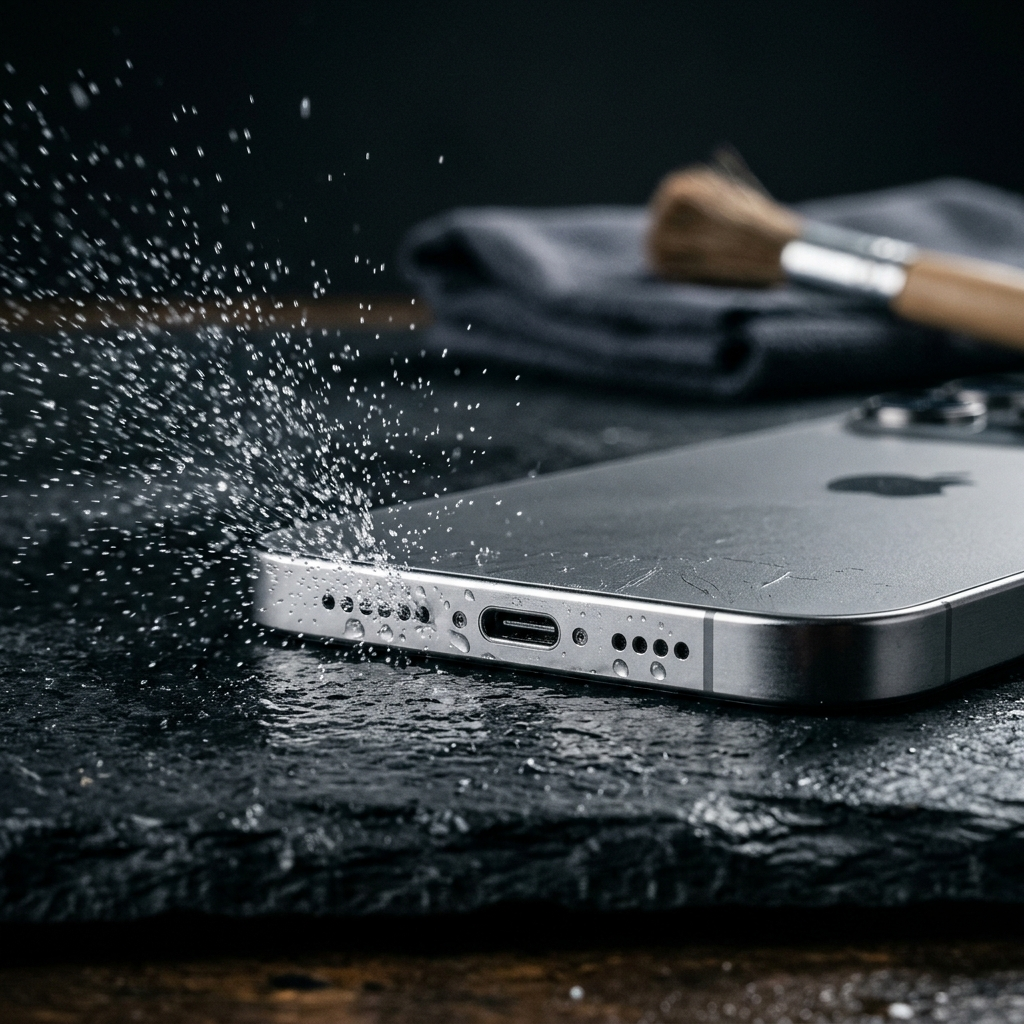
- Use a dry, soft-bristled brush held at an angle to sweep surface dust away from the ports.
Takeaway: Routine external cleaning prevents debris buildup from dampening audio output.
3. Trapped Moisture and Surface Tension Effects
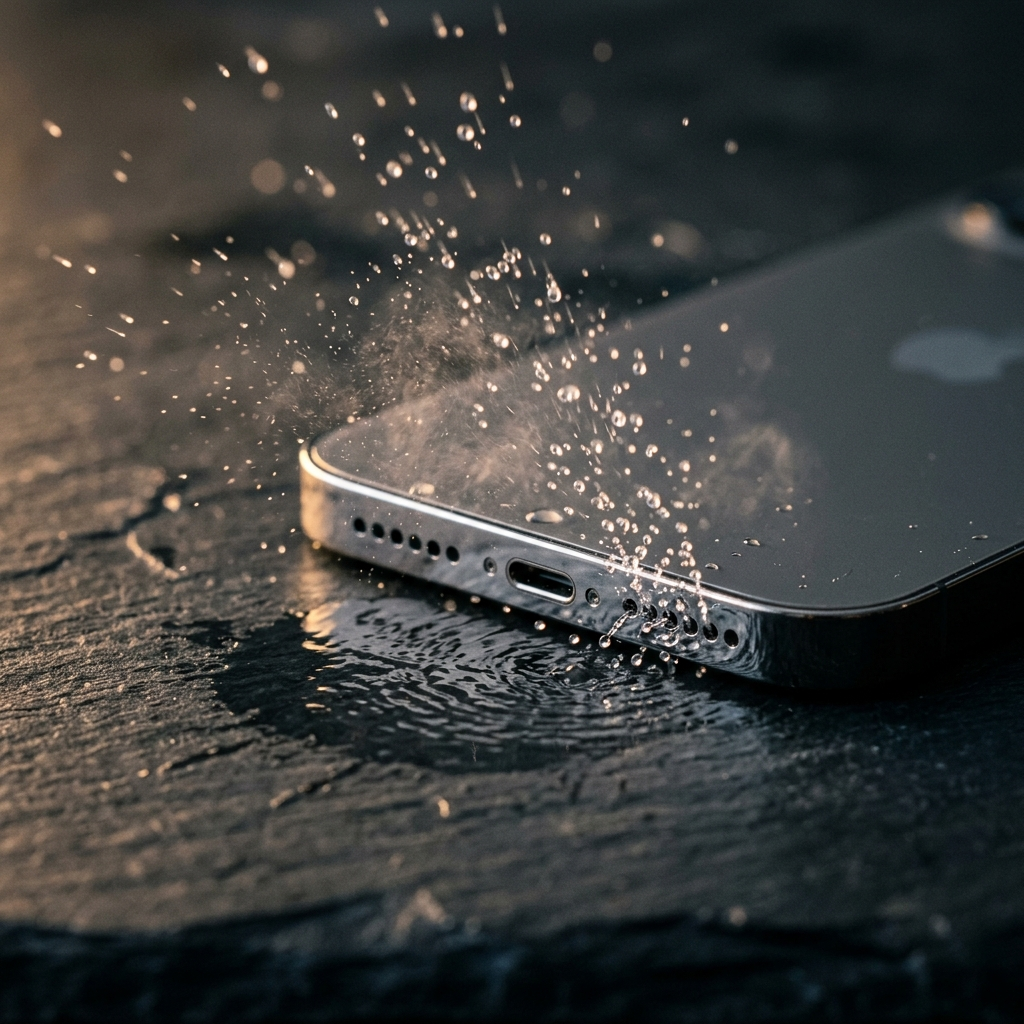
Even water-resistant phones remain vulnerable to trapped surface liquid. When a phone is exposed to moisture, surface tension causes water droplets to cling to the mesh covering the speaker chamber. This film creates a barrier that muffles sound until the moisture clears.
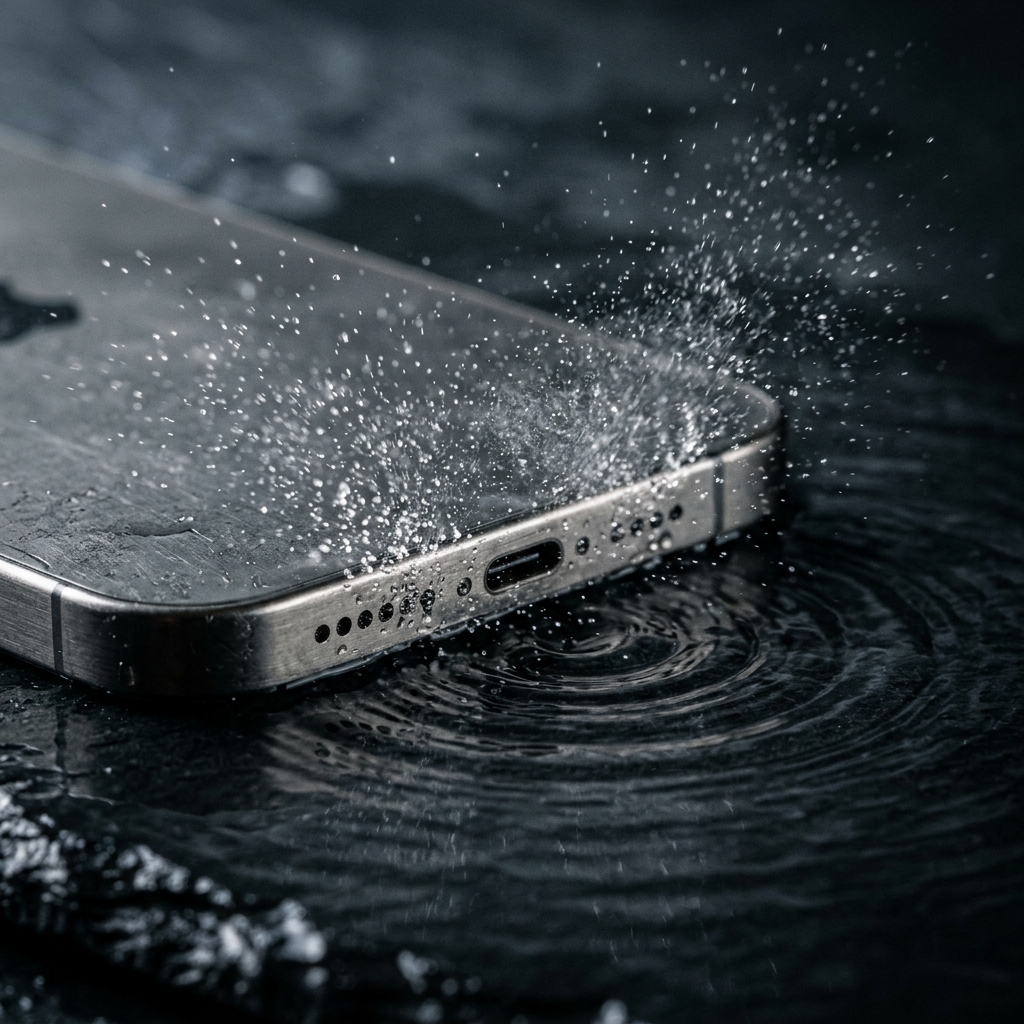
Allowing liquid to evaporate naturally can take hours. Acoustic ejection provides a faster mechanical solution: playing specific, low-frequency sound waves around 165 Hz causes the speaker to vibrate, creating pressure waves that push trapped water droplets out through the grille.
- Position the phone upright with the speaker openings angled downward toward a dry cloth.
- Use an app like Speaker Cleaner: Water Eject to run low-frequency sound cycles around 165 Hz.
- Wipe away dislodged droplets as they exit the grille.
- Repeat the cycle if audio remains muffled or distorted.
Takeaway: Low-frequency sound pulses break water surface tension faster than passive evaporation, clearing muffled audio caused by recent moisture exposure.
4. Diagnostic Checklist for Sudden Volume Drops
When speaker volume drops unexpectedly, use this checklist to troubleshoot the problem step by step:
- Restart the device: Power-cycle the phone to resolve temporary software glitches and audio service errors.
- Check connected devices: Turn off Bluetooth in settings to confirm audio is routing to the built-in speaker.
- Check accessibility settings: Confirm that audio balance sliders have not shifted output entirely to one side.
- Run acoustic ejection cycles: If the phone was exposed to moisture, play low-frequency sound waves to help dislodge trapped water.
- Clean exterior ports safely: Gently remove lint and dust using a soft-bristled brush without inserting objects into the grille openings.
Takeaway: Methodical checks help distinguish temporary software conflicts from physical obstructions without risking hardware damage.
Preserving Mobile Speaker Longevity
Sudden volume drops rarely indicate permanent hardware failure unless accompanied by burning odors or persistent internal rattling. In most cases, the issue is caused by software safety limits, trapped moisture, or clogged grilles. Using low-frequency sound ejection for moisture alongside gentle surface cleaning helps restore clear audio and maintain speaker performance.
Frequently Asked Questions
Water droplets cling to the protective speaker mesh due to surface tension, creating an acoustic barrier that blocks sound waves. Playing low-frequency sound waves around 165 Hz generates physical vibrations that help eject trapped liquid.
Low-frequency sound waves around 165 Hz vibrate the speaker diaphragm to displace water and dust safely within standard operating limits.
No. Compressed air produces concentrated pressure that can damage protective speaker membranes or push debris deeper inside. A soft-bristled brush or low-frequency sound ejection is recommended.